Best Practices for Designing QR Codes for Marketing Campaigns
Are you taking a step forward by using a QR code design for your marketing campaigns? If you are, it is more than simply generating and putting a code in your marketing collateral. Unlike what most people think, you can customize QR codes to make them look more appealing than the usual black-and-white codes.
You can learn several best practices from experienced QR code marketing campaign users. Digital marketing professionals take note of these tips in preparing QR codes for promotional purposes. Here are some of them:
1. Focus Only on the Code's Call-to-action
If you ask your users to "Scan to watch video," the QR code should lead them to a video they can watch. If the CTA says "Scan to find menu," the code should show them the restaurant menu. Do not design the QR code to do anything other than what your CTA says it would do. Otherwise, you might distract and annoy your users.
If you want to gather more data or ask your users to do more, generate a QR code for each action. There should be a separate code asking users to download a file, another to watch a video tutorial, and another to check out the menu.
2. Don't Invert the QR Code Colors
One of the most critical rules in generating a QR code is to use a darker color for the foreground to make it easier to scan. There should also be enough contrast between the two colors. If you want to use colors other than black and white, use darker ones because light colors are harder to detect.
3. Create Clear, High-Quality QR codes
Refrain from testing your users' patience in QR code scanning. When you print codes or use their images online, ensure they are sharp, clear, and high-quality for quicker detection and scanning.
4. Use a Clear CTA
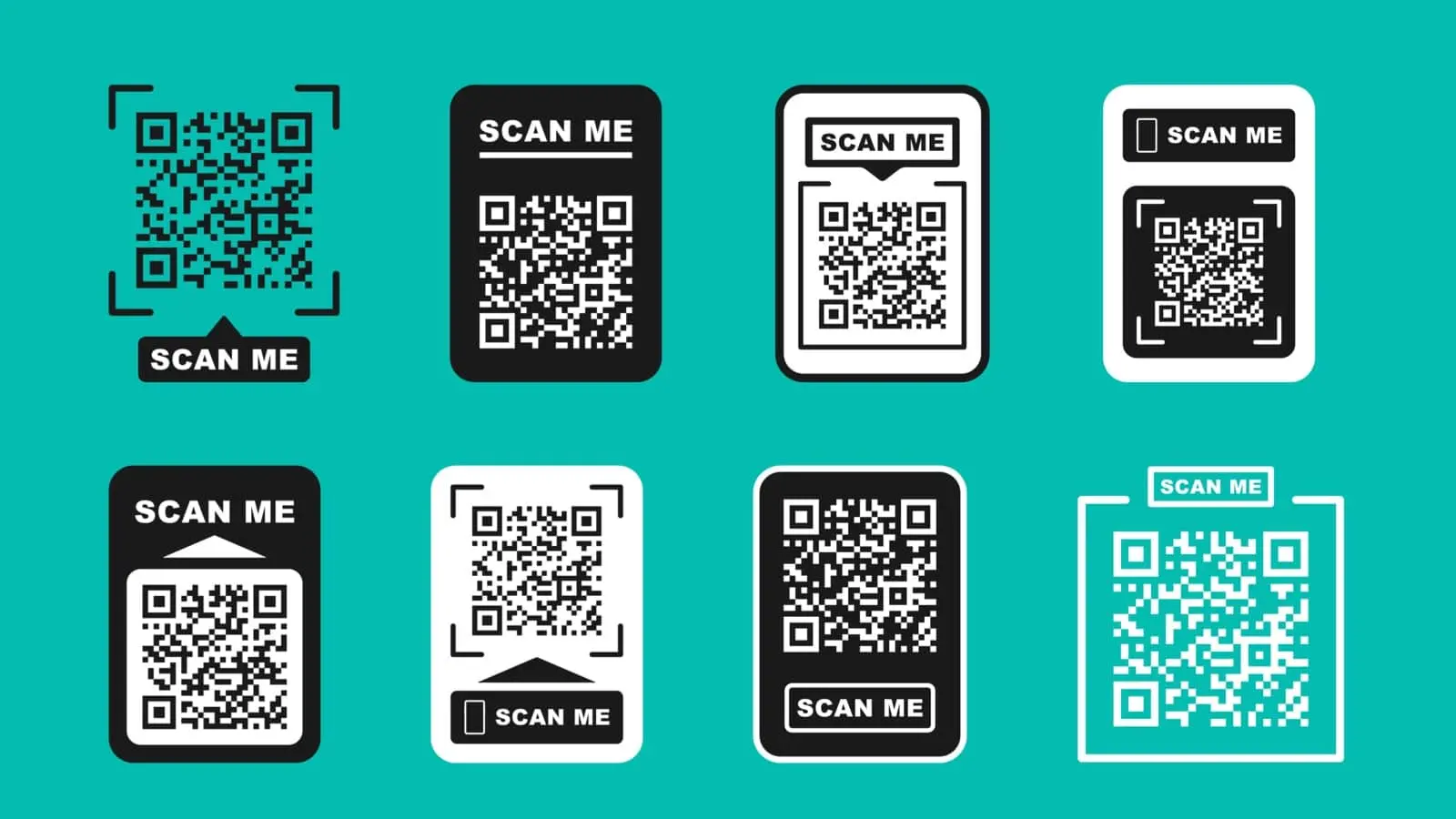
With all their pixels, QR codes can store a lot of information, but their content will only be visible in the code if you tell your target users what to do. Put a clear and direct-to-the-point CTA to encourage users to act on it. Some of the best CTAs you can use include "Scan me," "Scan to learn more," "Scan to watch a video," or "Scan to play."
5. Generate a Dynamic QR Code Design
If the QR code generator you found can create dynamic codes, go for this option. These dynamic QR codes only hold a short URL, not the complete information. They are different from static codes, where data is embedded in them. Because of this difference, dynamic codes are less pixelated and easier to scan.
6. Make your QR Code Images Responsive
Everyone who will scan your code will use a smartphone. Optimize the websites and files you embed or link to your QR code for smartphone users. Mobile optimization is one of the best practices to observe in making a QR code design.
7. Choose the Right Size
There is no point in creating, printing, and distributing QR codes if your target users can barely see them. It is not just about where and how they are distributed but also how big they are. QR codes should be big enough for smartphones to detect.
8. Place QR Codes Strategically
QR codes need to get more scans to spread the word about your products and brand, but it requires proper placement to reach that goal. Find spots where people can easily see and scan the codes. It could be at the front door, on the restaurant tables, or on your website. Putting a code on moving vehicles or too high up on a highway billboard is not practical.
9. Customize with Your Logo
Remember that this is a QR code marketing image, making it an essential part of your overall brand. If you have customized the code's colors, take it a step further and add your logo to the code. Your logo serves as an assurance, confidence, and security that your code is a legitimate one. If they feel this way, they will likely try and scan your QR code.
10. Choose the Proper Surface
You can play with the QR code design to explore your creativity, but avoid going overboard. Don't put your QR code on a glass wall because its transparent background will render the code scannable.
Using QR codes for marketing will be easier if you follow the best practices mentioned above. Start creating QR codes with FormBot today if you want to try them.
Here at FormBot, you can design and generate QR codes for free. Because the tool is free, you can experiment with its impact on your marketing campaigns without worrying about wasting money. Put the tips into use now. Contact FormBot today to see how our tool can help.