Lighthouse Job Application Form – Complete Guide
A Lighthouse Job Application Form is an important hiring document used to collect applicant information for lighthouse-related jobs and recruitment positions. Many organizations that manage coastal operations, marine safety departments, lighthouse maintenance, tourism operations, and historical preservation projects require job application forms to organize candidate details efficiently.
With the shift toward online recruitment, traditional paper-based forms are no longer the best option. Employers now prefer digital job application forms that allow applicants to apply quickly, upload required documents, and submit accurate information without delays. A well-structured Lighthouse Job Application Form improves the hiring process by reducing manual work, saving time, and ensuring every candidate is evaluated fairly.
This guide explains what a Lighthouse Job Application Form is, why it matters, what fields to include, and how to create an SEO-friendly job application form that improves both user experience and hiring performance.
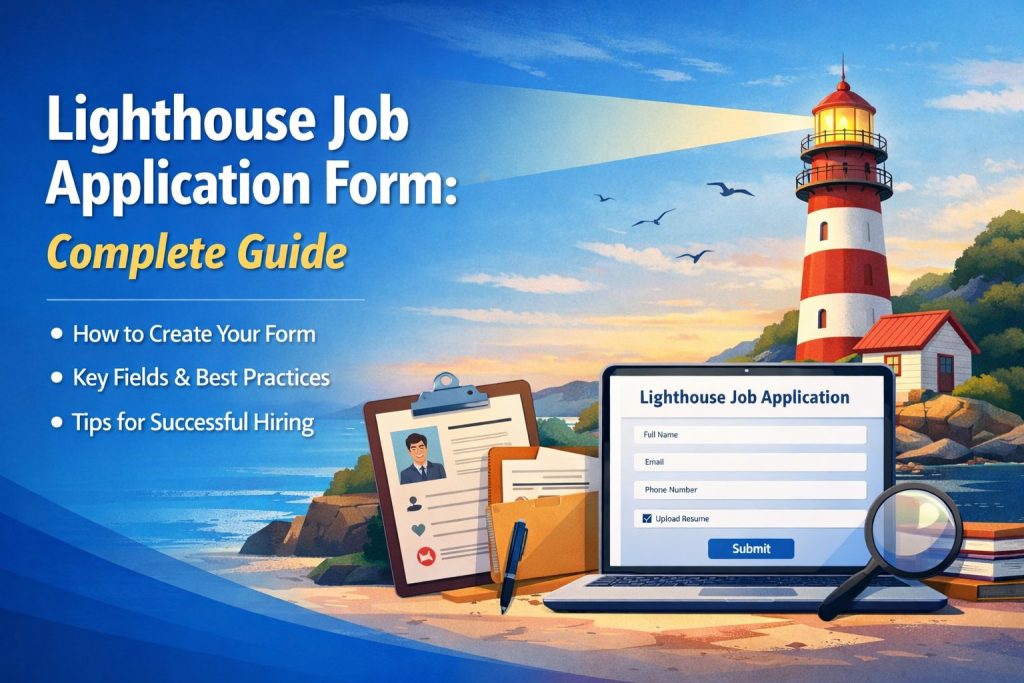
What Is a Lighthouse Job Application Form?
A Lighthouse Job Application Form is a standardized form used by employers to collect personal, educational, and professional details from applicants who want to apply for lighthouse-related job roles. It is designed to capture essential information such as contact details, job history, certifications, and skills.
Depending on the role, lighthouse job applications may include specific requirements such as:
Physical fitness confirmation
Marine safety certifications
Work experience in remote environments
Maintenance and technical knowledge
Availability for shift work or isolated duty
These forms are commonly used by government agencies, marine departments, private coastal service companies, and historical lighthouse restoration organizations.
Why a Lighthouse Recruitment Application Form Is Important
A professional Lighthouse Recruitment Application Form offers several benefits to both employers and applicants.
Faster Hiring Process
Online forms allow recruiters to collect applications instantly. Instead of waiting for paper submissions or email attachments, hiring teams can view applications in one dashboard.
Better Candidate Data Organization
A digital form stores responses in a structured format. This makes it easier to filter applicants based on skills, location, qualifications, and availability.
Improved Accuracy
Forms can include validation rules such as email format checks, required fields, and document upload conditions. This reduces incomplete submissions.
Professional Hiring Image
A well-designed online job application form builds trust. Candidates take companies more seriously when the application process is organized and professional.
Key Fields to Include in a Lighthouse Job Application Form
To create a high-quality Lighthouse Job Application Form, it is important to include fields that cover all hiring requirements without making the form too long. Below are the most important sections.
1. Applicant Personal Information
This section should collect basic identity and contact details, such as:
Full name
Date of birth
Address
Email address
Phone number
Nationality (if required)
2. Position Details
Include fields that confirm which job role the candidate is applying for. Examples:
Position applied for
Preferred work location
Full-time or part-time preference
Expected salary
Availability start date
3. Educational Background
Ask applicants to provide their education history:
Highest qualification
Institution name
Year of completion
Relevant courses or training programs
4. Employment History
Work experience is one of the most important evaluation factors. Add fields like:
Previous employer name
Job title
Duration of employment
Key responsibilities
Reason for leaving
This section helps recruiters understand the applicant’s career history and suitability for remote or technical roles.
Lighthouse Job Role-Specific Questions
Lighthouse jobs can involve unique working conditions. To improve recruitment quality, include specific screening questions such as:
Are you willing to work in remote locations?
Are you comfortable with isolated working conditions?
Do you have experience working night shifts?
Do you have marine safety training?
Do you have experience in electrical, mechanical, or structural maintenance?
These questions reduce unqualified applications and improve the quality of shortlisted candidates.
Resume and Document Upload Section
A strong Lighthouse Job Application Form should allow candidates to upload important documents. Common uploads include:
Resume or CV
Cover letter
Certifications
ID proof (if required)
Medical fitness certificate (if required)
Make sure file upload fields support common formats such as PDF, DOC, and JPG.
Emergency Contact and References
Many lighthouse roles require additional verification due to the nature of the job. Include:
Emergency Contact Details
Name
Relationship
Contact number
References
Reference name
Company or organization
Job title
Email and phone number
Legal Compliance and Consent Section
Every online job application form should include legal and compliance fields. These fields protect both the employer and the applicant.
Recommended fields include:
Consent to collect and store personal information
Confirmation that all details provided are accurate
Agreement to background verification (if required)
Equal opportunity hiring statement
This section improves trust and ensures compliance with hiring and privacy policies.
Best Practices for Creating a High-Converting Job Application Form
A well-designed form is not just about collecting information. It should also increase completion rates and reduce drop-offs. Below are best practices to follow.
Keep the Form Simple and Clear
Avoid asking unnecessary questions. Only include fields that are relevant to the hiring process. Long forms reduce completion rates.
Use Section Headings
Divide the form into clear sections such as personal details, education, experience, and documents. This makes the form easier to understand.
Use Required Field Validation
Make key fields mandatory such as email address, phone number, resume upload, and experience details.
Ensure Mobile Responsiveness
Many applicants apply using smartphones. Your Lighthouse Job Application Form must load quickly and display correctly on all devices.
Add Clear Instructions
If the form includes technical questions or document upload requirements, provide short instructions so applicants do not make mistakes.
Add a Confirmation Message
After submission, display a confirmation message such as:
“Your application has been successfully submitted. Our recruitment team will review your details and contact you if shortlisted.”
This improves candidate satisfaction and reduces repeated submissions.
Online Job Application Form Template Benefits
Using an Online Job Application Form Template is one of the best ways to create professional forms quickly. Instead of building everything from scratch, templates help recruiters save time and follow industry best practices.
A job application form template can help with:
Standardized hiring process
Consistent applicant evaluation
Faster data collection
Easy editing and customization
Better recruitment tracking
For lighthouse recruitment, templates can be customized to include role-specific screening questions.
Lighthouse Job Application Form Format Example
A good job application form format should follow this structure:
Personal Information
Job Position Details
Education History
Employment Experience
Skills and Certifications
Document Upload
References
Consent and Declaration
Submit Button
This format ensures the recruiter collects all necessary information in the right order.
Conclusion
A Lighthouse Job Application Form is an essential tool for hiring teams managing lighthouse recruitment and coastal job roles. It helps employers collect structured applicant data, filter candidates faster, and reduce manual recruitment workload. For applicants, it provides a clear and professional process to submit their details, upload documents, and apply confidently.
By using a proper job application form format, including role-specific questions, and ensuring the form is mobile-friendly and easy to complete, you can improve both hiring results and candidate satisfaction.
Get Started and Create Forms for Free?
 (1 votes, average: 5.00 out of 5)
 Loading...