Free Website Form Builder: The Smart Way to Create, Share, and Manage Forms
Have you ever needed to collect information online but felt overwhelmed by complicated tools or high costs? A free website form builder solves this problem by letting you create professional forms in minutes—without coding or design skills. From contact forms to registrations and surveys, forms play a key role in how organizations communicate and collect data.
For business owners, educators, event planners, product teams, and HR professionals, forms are more than just fields and buttons. They are gateways to leads, feedback, applications, and decisions. This guide explains how a free website form builder works, why it matters, and how to use it effectively to get real results.
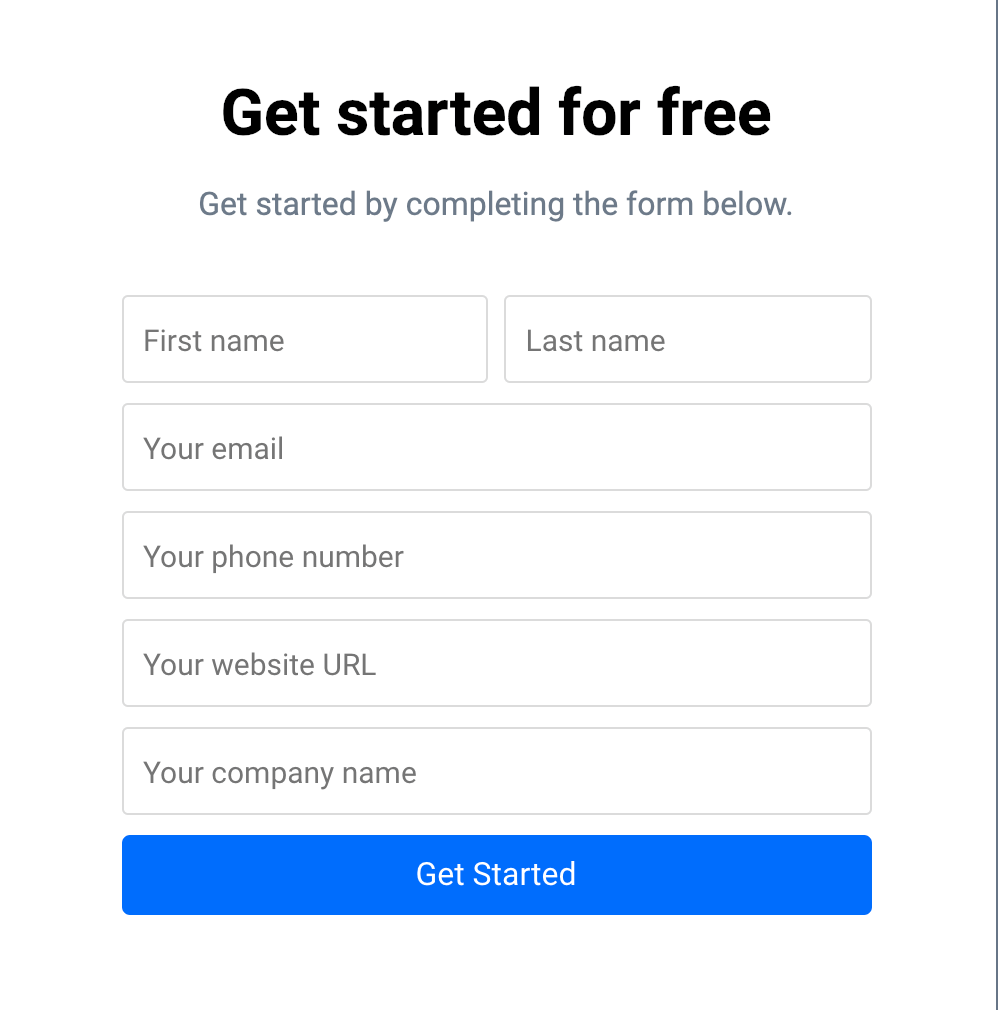
What Is a Free Website Form Builder?
A free website form builder is an online tool that allows you to create, customize, and publish forms on your website or share them via links. These forms can collect responses such as names, emails, feedback, registrations, applications, and more.
Most modern form builders use a drag-and-drop interface. This means you can add fields, customize layouts, and publish forms without writing a single line of code. Many tools also include automation, integrations, and analytics—making them useful beyond simple data collection.
Common Types of Forms You Can Create
Contact forms
Lead capture forms
Event registration forms
Surveys and feedback forms
Job application forms
Course enrollment forms
A reliable free website form builder helps streamline workflows while keeping costs under control.
Why a Free Website Form Builder Matters for Modern Teams
Forms are often the first interaction someone has with your brand. A poorly designed form can drive users away, while a clean, simple form builds trust and increases completion rates.
Here’s why organizations across industries rely on form builders.
For Business Owners
Capture leads directly from your website
Collect customer inquiries and feedback
Reduce manual follow-ups with automation
For Product Managers
Gather user feedback during launches
Run surveys to validate features
Centralize responses for analysis
For Educators and Course Creators
Manage student registrations
Collect assignments and feedback
Share quizzes and evaluations easily
For Event Planners
Simplify event sign-ups
Collect attendee preferences
Reduce paperwork and errors
For HR Professionals
Accept job applications online
Streamline onboarding data collection
Centralize employee feedback
Using a free website form builder ensures these processes stay efficient and scalable.
Key Features to Look for in a Free Website Form Builder
Not all form builders are created equal. Choosing the right one can save time and improve data quality.
1. Drag-and-Drop Form Builder
An intuitive interface allows you to:
Add fields quickly
Rearrange sections easily
Create forms without technical skills
2. Custom Form Templates
Templates speed up creation and ensure consistency. Look for templates for:
Contact forms
Surveys
Registrations
Applications
3. Mobile-Friendly Design
Forms should work smoothly on all devices. A good form builder automatically optimizes forms for mobile users.
4. Form Integrations
Integrations connect your forms to other tools such as:
Email platforms
CRMs
Spreadsheets
Workflow automation tools
5. Data Security and Privacy
Ensure the platform supports:
Secure data handling
Access controls
Compliance with privacy standards
A strong online form builder balances ease of use with reliability and security.
How to Create a Form Using a Free Website Form Builder
Creating a form doesn’t have to be complicated. Follow these steps to get started.
Step 1: Define Your Goal
Decide what information you need and why. Clear goals help keep forms short and effective.
Step 2: Choose a Form Template
Start with a template that matches your use case, such as a contact or registration form.
Step 3: Customize Fields
Add only essential fields. Fewer fields often result in higher completion rates.
Step 4: Adjust Design and Settings
Customize colors, labels, and notifications. Make sure confirmation messages are clear.
Step 5: Publish and Share
Embed the form on your website or share it via a link, email, or QR code.
A free website form builder makes this entire process fast and user-friendly.
Best Practices for Creating High-Converting Forms
Even the best tools need thoughtful execution. These best practices improve results.
Keep forms short and focused
Use clear labels and instructions
Avoid unnecessary required fields
Use progress indicators for longer forms
Test forms before publishing
Small improvements in form design can significantly boost response rates.
Common Use Cases That Deliver Real Value
Forms are versatile tools that support many workflows.
Lead Generation
Capture visitor information
Qualify leads automatically
Trigger follow-up emails
Feedback and Surveys
Measure customer satisfaction
Collect employee input
Improve products and services
Registrations and Applications
Manage event sign-ups
Accept job applications
Organize course enrollments
A free website form builder adapts easily to all these scenarios.
Mistakes to Avoid When Using a Form Builder
Avoiding common mistakes helps protect your brand and data quality.
Making forms too long
Ignoring mobile users
Not testing submission flows
Failing to follow up on responses
Using analytics and response data helps you continuously improve your forms.
How Form Builders Support Automation and Growth
Modern form builders do more than collect data. They support automation that saves time and reduces manual work.
Examples include:
Sending automatic confirmation emails
Routing responses to the right team
Updating spreadsheets or dashboards
Triggering workflows in other tools
As your organization grows, a free website form builder helps scale operations without adding complexity.
Frequently Asked Questions (FAQs)
1. What is the best free website form builder?
The best free website form builder offers drag-and-drop design, templates, integrations, and secure data handling without hidden limitations.
2. Can I embed forms on my website?
Yes, most form builders allow you to embed forms using simple code or plugins for popular platforms.
3. Are free form builders secure?
Reputable platforms use secure data storage and encryption to protect user information.
4. Can I collect payments using forms?
Some form builders support payment integrations, depending on the platform and plan.
5. Do I need coding skills to build forms?
No. A free website form builder is designed for non-technical users and requires no coding knowledge.
Final Thoughts: Build Smarter Forms Without Extra Cost
Forms are essential tools for collecting information, engaging users, and making informed decisions. With a free website form builder, you can create professional, effective forms without technical barriers or high costs.
If you’re ready to simplify data collection, improve workflows, and create forms that people actually complete, now is the perfect time to start.
👉 Create your free forms today
Get started here: https://platform.formbot.com/register/
Turn every form submission into a meaningful action.
Get Started and Create Forms for Free?
 (1 votes, average: 5.00 out of 5)
 Loading...