A Complete Guide to Acuity Scheduling Forms for Smarter Appointments
Are you still chasing emails, spreadsheets, or DMs to book appointments? In a world where speed and automation define success, manual scheduling can quietly drain your productivity. That’s where acuity scheduling forms come in. They allow businesses and professionals to automate bookings, collect critical information upfront, and deliver a smoother experience for clients.
Whether you’re a business owner, educator, HR manager, or event planner, mastering Acuity scheduling forms can transform how you manage time, resources, and customer interactions.
What Are Acuity Scheduling Forms?
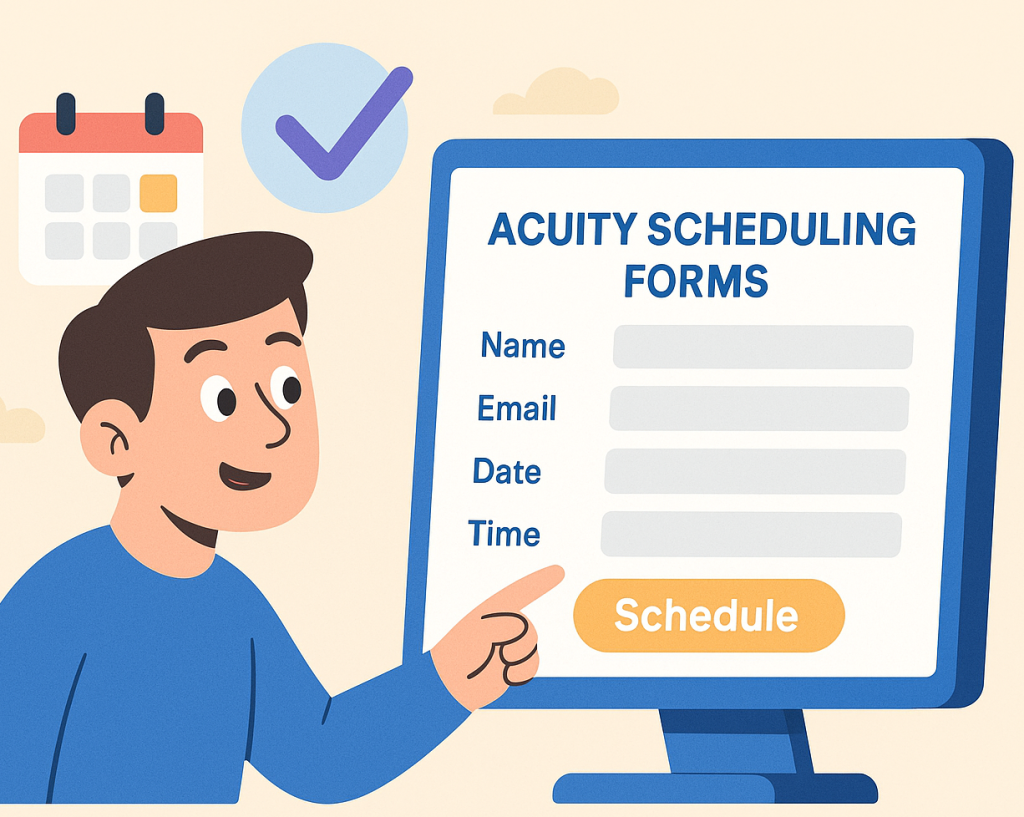
Acuity scheduling forms are customizable intake forms that collect information from clients during the appointment booking process. Instead of sending follow-up emails or forms later, everything happens in one seamless flow.
These forms integrate directly with Acuity Scheduling, allowing you to:
Ask tailored questions before appointments
Automate confirmations and reminders
Reduce no-shows and back-and-forth communication
Why Acuity Scheduling Forms Matter in 2026
As remote work, virtual services, and online bookings continue to grow in 2026, customers expect frictionless scheduling experiences. Acuity scheduling forms help organizations stay competitive by combining convenience with data accuracy.
Key Benefits at a Glance
Save hours each week on administrative tasks
Improve data quality and client preparedness
Enhance professionalism and trust
Scale operations without hiring more staff
Shorter booking cycles mean faster decisions and better customer satisfaction.
How Acuity Scheduling Forms Work
Acuity scheduling forms are triggered during the booking process. Once a client selects a service and time slot, the form appears automatically.
The Typical Workflow
Client selects a service and date
Acuity scheduling form appears
Client submits required information
Appointment is confirmed automatically
This streamlined approach ensures you receive the right details before the meeting even begins.
Use Cases Across Industries
Business Owners & Product ManagersBusiness leaders use acuity scheduling forms to qualify leads, collect project details, and prioritize high-value consultations. Product managers can pre-screen feature requests or demos, saving valuable meeting time.
Example questions:
Company size
Budget range
Product goals
Educators & Course Creators
For educators, scheduling automation simplifies student onboarding. Forms can gather skill levels, learning goals, and availability, helping instructors personalize sessions from day one.
Popular use cases include:
Coaching calls
Enrollment interviews
Virtual office hours
Event Planners
Event planners rely on accurate information. Acuity scheduling forms ensure every booking includes venue details, guest counts, and timelines—reducing costly miscommunication.
HR Professionals
HR teams use scheduling forms for interviews, onboarding sessions, and internal training. By collecting resumes, role preferences, or availability upfront, recruiters can focus on meaningful conversations.
Best Practices for Creating High-Converting Acuity Scheduling Forms
1. Keep Forms Short and Focused
Only ask questions that directly impact the appointment. Long forms increase drop-off rates and frustrate users.
2. Use Conditional Logic
Show questions only when relevant. This improves clarity and reduces cognitive load.
3. Match Form Language to Your Brand
Use simple, friendly language. Avoid jargon unless your audience expects it.
4. Make Required Fields Clear
Clearly mark essential fields so clients understand what’s needed to complete the booking.
5. Test Before Publishing
Always test your acuity scheduling forms on desktop and mobile devices to ensure a smooth experience.
Acuity Scheduling Forms vs Traditional Booking Methods
| Feature | Traditional Booking | Acuity Scheduling Forms |
|---|---|---|
| Manual follow-ups | High | None |
| Data accuracy | Low | High |
| Client experience | Fragmented | Seamless |
| Scalability | Limited | High |
Automation isn’t just convenient—it’s essential for growth.
Common Mistakes to Avoid
Asking too many questions upfront
Using unclear or vague labels
Ignoring mobile responsiveness
Not reviewing collected data regularly
Avoiding these pitfalls ensures your scheduling process stays efficient and user-friendly.
How to Enhance Acuity Scheduling Forms with Advanced Tools
While Acuity scheduling forms are powerful, many teams extend their capabilities using form automation platforms. These tools help you:
Create more dynamic workflows
Sync data across CRM and email tools
Add advanced logic and analytics
This is especially useful for fast-growing businesses and large teams managing high booking volumes.
SEO & Conversion Tips for Acuity Scheduling Forms
Embed booking links on high-traffic pages
Add trust signals like testimonials near forms
Use clear CTAs such as “Book Your Free Call”
Optimize page load speed
Small optimizations can significantly increase completed bookings.
Frequently Asked Questions (FAQs)
1. What are acuity scheduling forms used for?
Acuity scheduling forms are used to collect client information during the booking process, reducing manual follow-ups and improving appointment efficiency.
2. Can acuity scheduling forms be customized?
Yes, you can customize questions, required fields, and conditional logic to match your specific business needs.
3. Are acuity scheduling forms suitable for large teams?
Absolutely. They scale well for HR departments, agencies, and educational institutions managing multiple schedules.
4. Do acuity scheduling forms work for virtual appointments?
Yes, they are ideal for virtual meetings, online classes, coaching sessions, and remote interviews.
5. How do acuity scheduling forms improve conversion rates?
By simplifying bookings and setting clear expectations, they reduce friction and increase completed appointments.
Final Thoughts: Turn Scheduling Into a Growth Engine
In 2026, time is your most valuable resource. Acuity scheduling forms help you protect it by automating bookings, collecting better data, and delivering a professional experience at scale.
If you’re ready to take scheduling automation even further—without technical complexity—now is the time to act.
👉 Start building smarter scheduling workflows today
Sign up here: https://platform.formbot.com/register/
Your calendar will thank you.
Get Started and Create Forms for Free?
 (1 votes, average: 5.00 out of 5)
 Loading...