Workflow Forms: Automate Business Processes with Smart Digital Forms
Modern businesses rely heavily on efficient data collection and seamless workflows to stay productive. Whether it’s employee onboarding, customer inquiries, approvals, or internal processes, managing forms manually can slow down operations and create unnecessary errors. This is where workflow forms come into play.
Workflow forms are digital forms designed not only to collect information but also to trigger automated actions and business processes. Instead of collecting data and manually processing it later, workflow forms allow organizations to automate approvals, route submissions, notify stakeholders, and integrate with other tools instantly.
With advanced solutions like Formbot, companies can design powerful online workflow forms that streamline operations, improve efficiency, and reduce manual workloads.
In this guide, we will explore everything you need to know about workflow forms, including how they work, their benefits, key features, and why businesses are rapidly adopting workflow form automation.
What Are Workflow Forms?
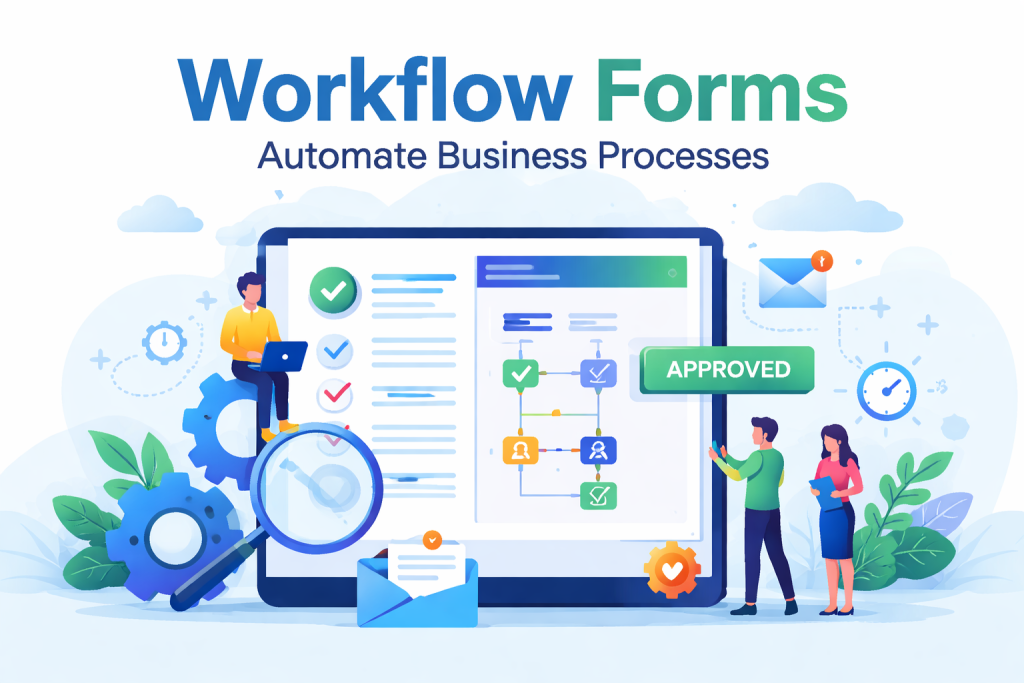
Workflow forms are digital forms that initiate automated workflows when a user submits information. Instead of simply collecting data, these forms automatically trigger actions such as approvals, notifications, data routing, and integrations with business systems.
For example:
An employee submits a leave request form
The form automatically routes to a manager
The manager approves or rejects the request
HR receives a notification
The leave record is updated in the system
This entire process happens automatically through automated form workflows.
In modern organizations, workflow forms serve as the backbone of many digital processes. Forms are often the starting point of automated workflows that drive business operations.
Why Businesses Need Workflow Forms
Many organizations still rely on spreadsheets, emails, and paper forms to handle internal processes. These traditional approaches often lead to inefficiencies.
Workflow forms solve these problems by automating the entire process.
Key Benefits of Workflow Forms
1. Automation of Repetitive Tasks
Workflow forms eliminate repetitive manual tasks. Once a form is submitted, automated rules handle the next steps such as approvals or data processing.
This saves time and allows teams to focus on more strategic tasks.
2. Faster Approval Processes
Traditional approval processes can take days due to email chains and manual tracking.
With workflow approval forms, approvals are automatically routed to the correct person and reminders are sent if action is delayed.
3. Reduced Human Errors
Manual data entry often leads to errors that can affect business operations.
Digital workflow forms ensure:
Accurate data collection
Validated inputs
Automatic data routing
This significantly improves data quality.
4. Better Collaboration
Workflow forms enable teams to collaborate efficiently by assigning tasks automatically.
For example:
HR receives onboarding forms
Finance processes expense forms
IT handles access requests
Each team receives the form automatically when it is their turn.
5. Real-Time Workflow Tracking
One major advantage of digital workflow forms is visibility.
Businesses can track:
Form submission status
Pending approvals
Completed workflows
This transparency improves accountability and operational efficiency.
Common Use Cases for Workflow Forms
Workflow forms can be used across departments and industries. They simplify business processes and ensure smooth operations.
1. Employee Onboarding
HR teams can automate onboarding workflows with digital forms that collect employee information and trigger onboarding tasks.
Examples include:
Employee information forms
Document submission forms
Equipment request forms
2. Leave and Expense Approvals
Approval workflows are one of the most common uses of workflow forms.
Employees submit forms that automatically route to managers and finance teams for approval.
3. Customer Support Requests
Businesses can create workflow forms to handle customer inquiries and support tickets.
When a form is submitted:
A ticket is created
The request is assigned to an agent
The customer receives a confirmation email
4. Project Requests
Teams often use workflow forms to submit project requests that require multiple approvals.
These forms ensure requests move through the proper channels without delays.
5. Compliance and Documentation
Organizations must maintain compliance documentation for audits.
Workflow forms help automate:
Policy acknowledgment forms
Compliance documentation
Risk assessment forms
Key Features of Workflow Form Software
To implement effective workflow forms, businesses need powerful form automation tools.
The best workflow form software includes features such as customizable templates, integrations, and automated routing.
Below are the essential features to look for.
Drag-and-Drop Form Builder
A visual form builder allows users to create forms without coding.
Users can easily add fields like:
Text inputs
Dropdown menus
File uploads
Electronic signatures
This simplifies form creation for non-technical users.
Workflow Automation Rules
Automation rules determine what happens after a form is submitted.
For example:
Send email notifications
Assign tasks
Trigger approvals
Update records
Automation ensures smooth business operations.
Conditional Logic
Conditional logic allows forms to change dynamically based on user responses.
For instance:
If a user selects “Manager Approval Required,” the form automatically routes to the manager.
This improves workflow efficiency.
Integration with Business Tools
Workflow forms should integrate with existing business tools such as:
CRM systems
Project management tools
HR software
Accounting platforms
These integrations ensure data flows seamlessly across systems.
Approval Workflows
Approval workflows allow businesses to automate decision-making processes.
For example:
Purchase requests
Leave approvals
Budget approvals
Each request follows a predefined approval chain.
Data Analytics and Reporting
Workflow forms generate valuable data insights.
Businesses can analyze:
Form completion rates
Workflow bottlenecks
Approval times
These insights help optimize processes.
Why Choose Formbot for Workflow Forms?
Formbot is designed to help businesses create powerful workflow forms that simplify data collection and automate processes.
With its intuitive interface and advanced automation features, Formbot enables organizations to build scalable digital workflows.
Here are some key advantages.
Easy Form Creation
Formbot provides a user-friendly drag-and-drop builder that allows anyone to create professional forms quickly.
No coding skills are required.
Smart Workflow Automation
With Formbot, businesses can automate complex workflows such as:
Multi-step approvals
Automated notifications
Conditional routing
This ensures forms reach the right people at the right time.
Customizable Workflow Logic
Formbot allows users to customize workflows according to their business needs.
Organizations can design workflows for various processes including HR, finance, and operations.
Seamless Integrations
Formbot integrates with popular business tools to ensure smooth data transfer and workflow automation.
This eliminates manual data entry and improves efficiency.
Secure Data Handling
Data security is essential for modern businesses.
Formbot ensures that all form submissions and workflow data are stored securely and handled with industry-standard security practices.
Best Practices for Creating High-Converting Workflow Forms
To maximize the effectiveness of workflow forms, businesses should follow these best practices.
Keep Forms Simple
Avoid asking unnecessary questions.
Shorter forms increase completion rates and improve user experience.
Use Conditional Logic
Conditional logic helps personalize the form experience by showing only relevant fields.
This reduces complexity and improves form completion.
Optimize for Mobile Devices
Many users complete forms on mobile devices.
Ensure workflow forms are mobile-friendly and responsive.
Provide Clear Instructions
Users should clearly understand what information is required.
Adding instructions or tooltips improves form accuracy.
Test Your Workflow
Before launching workflow forms, test the entire workflow process.
Ensure approvals, notifications, and integrations work correctly.
The Future of Workflow Forms
Digital transformation continues to reshape how organizations operate.
Workflow automation is becoming a key part of modern business systems.
As businesses adopt automation technologies, workflow forms will play an even greater role in:
Business process automation
Customer experience improvement
Data-driven decision making
Organizations that adopt workflow form automation today will gain a competitive advantage by improving operational efficiency and reducing manual workloads.
Conclusion
Workflow forms are a powerful tool for businesses looking to streamline processes, automate approvals, and improve data management.
By replacing manual paperwork with digital workflow forms, organizations can improve efficiency, reduce errors, and enhance collaboration across teams.
With platforms like Formbot, businesses can easily create automated workflow forms that simplify operations and support scalable growth.
If your organization wants to modernize its processes and eliminate manual workflows, implementing workflow forms is the first step toward smarter business automation.
Get Started and Create Forms for Free?
 (1 votes, average: 5.00 out of 5)
 Loading...