Build a Website Form: Complete Guide to Creating High-Converting Online Forms
Building a website form is one of the most important steps in turning website visitors into leads, customers, and engaged users. Whether you want to collect inquiries, registrations, feedback, or payments, a well-designed form helps you capture structured information and improve conversions.
Today, businesses rely on advanced form builder software to create online forms without coding. A professional website form creation tool allows you to design, customize, and publish forms that are responsive, secure, and optimized for performance.
This guide explains how to build a website form effectively, what features to look for, competitor insights, and best practices to ensure your forms drive measurable results.
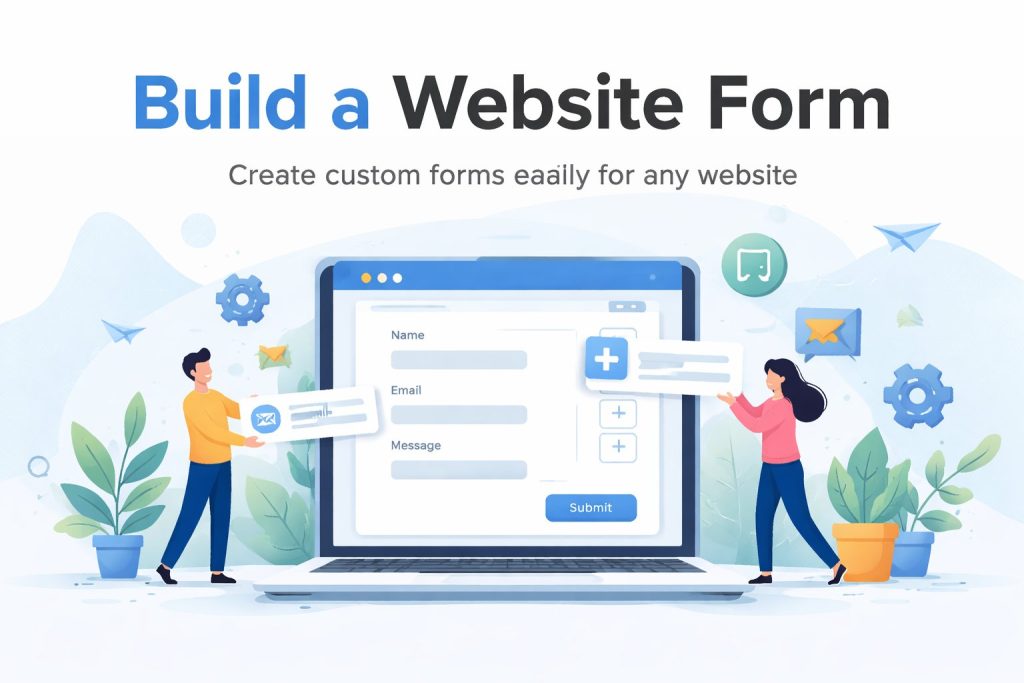
Why Website Forms Are Essential for Every Business
A website without a form limits user interaction. Forms create a direct communication channel between businesses and visitors.
1. Lead Generation
Forms allow you to collect contact details from potential customers. A simple inquiry or signup form can become a major source of qualified leads.
2. Customer Feedback
Feedback forms and surveys help businesses understand user satisfaction, product experience, and service quality.
3. Data Collection and Automation
With the right form builder software, collected data can automatically integrate with CRM systems, email marketing platforms, or internal databases.
4. Event and Registration Management
Online forms simplify registrations for webinars, conferences, and training sessions.
When implemented correctly, website forms increase engagement, reduce friction, and improve overall conversion rates.
How to Build a Website Form Step by Step
Step 1: Define Your Goal
Before creating a form, determine its purpose:
Contact inquiries
Lead generation
Newsletter signup
Event registration
Support tickets
Surveys
Each goal requires specific fields and structure.
Step 2: Choose Online Form Templates
Using online form templates saves time and ensures professional formatting. Templates are typically categorized by industry or use case, such as:
Contact forms
Order forms
Feedback forms
Job application forms
Templates help beginners quickly create online forms without technical knowledge.
Step 3: Use a Drag-and-Drop Editor
A custom form builder should offer a visual editor that allows you to:
Add text fields
Include dropdown menus
Insert radio buttons and checkboxes
Upload files
Add payment options
This eliminates the need for coding and reduces development time.
Step 4: Customize Design and Branding
Brand consistency builds trust. Customize:
Fonts
Colors
Button styles
Form layout
Background elements
A professional website form creation tool should allow design adjustments to match your brand identity.
Step 5: Add Conditional Logic
Advanced form builder software includes conditional logic features. This allows:
Showing or hiding fields based on user responses
Sending automated confirmation emails
Redirecting users to specific pages
Conditional logic improves user experience by keeping forms short and relevant.
Step 6: Integrate With Other Tools
To maximize efficiency, integrate your form with:
CRM systems
Email marketing software
Payment gateways
Project management tools
Analytics platforms
Automation reduces manual data entry and improves workflow speed.
Step 7: Publish and Embed
After building the form, publish it by:
Embedding via HTML code
Adding it to a landing page
Integrating with WordPress
Displaying as a popup
Ensure the form is mobile responsive, as a large portion of traffic comes from smartphones.
Best Practices for High-Converting Website Forms
Keep It Short
Only request essential information. Long forms reduce completion rates.
Use Clear Call-to-Action Buttons
Examples:
Get Started
Submit Request
Download Now
Register Today
Clear action language improves user response.
Optimize Field Order
Place simple fields first (Name, Email) and more complex questions later.
Use Smart Validation
Real-time validation prevents errors and improves user experience.
Add Security Measures
Include spam protection and secure data handling to build trust.
Test and Improve
Use A/B testing to compare:
Button colors
Headline text
Form length
Placement on page
Continuous optimization improves results over time.
Use Cases for Website Forms
Contact Forms
Allow visitors to send inquiries directly from your website.
Lead Capture Forms
Offer free resources in exchange for email addresses.
Registration Forms
Collect attendee information for events and webinars.
Survey Forms
Gather feedback and insights for business improvement.
Payment Forms
Accept payments for services, products, or donations.
Each use case contributes to stronger digital engagement and better data management.
Frequently Asked Questions
What is the easiest way to build a website form?
The easiest way is to use form builder software with drag-and-drop functionality and ready-made templates. This eliminates coding requirements and speeds up deployment.
How long should a website form be?
Shorter forms generally perform better. Only request necessary information relevant to your goal.
Can online forms improve website conversions?
Yes. Properly placed and optimized forms capture leads, increase engagement, and guide users toward action.
Do I need coding skills to create online forms?
No. A modern website form creation tool allows users to build forms visually without technical expertise.
Why Choosing the Right Custom Form Builder Matters
A powerful custom form builder provides flexibility, scalability, and integration capabilities. As your business grows, your form requirements may expand to include advanced workflows, payment processing, or CRM automation.
Selecting a reliable platform ensures:
Data security
Scalability
Professional design
Automation capabilities
Long-term cost efficiency
Investing in the right form builder software reduces technical complexity while improving business performance.
Conclusion
If you want to build a website form that captures leads, improves engagement, and supports business growth, choosing the right website form creation tool is essential. From drag-and-drop editors and online form templates to integrations and automation, modern solutions make it simple to create online forms without coding.
A well-designed form is not just a data collection tool — it is a conversion engine that turns website visitors into meaningful business opportunities.
Get Started and Create Forms for Free?
 (1 votes, average: 5.00 out of 5)
 Loading...