QR Tag Maker Online
A qr tag maker helps you create scannable QR tags that instantly connect users to digital content. QR tags are widely used for marketing, information sharing, and contactless access because they are fast, simple, and compatible with smartphones. This guide explains how QR tag makers work, what features to look for, and how to create QR tags efficiently.
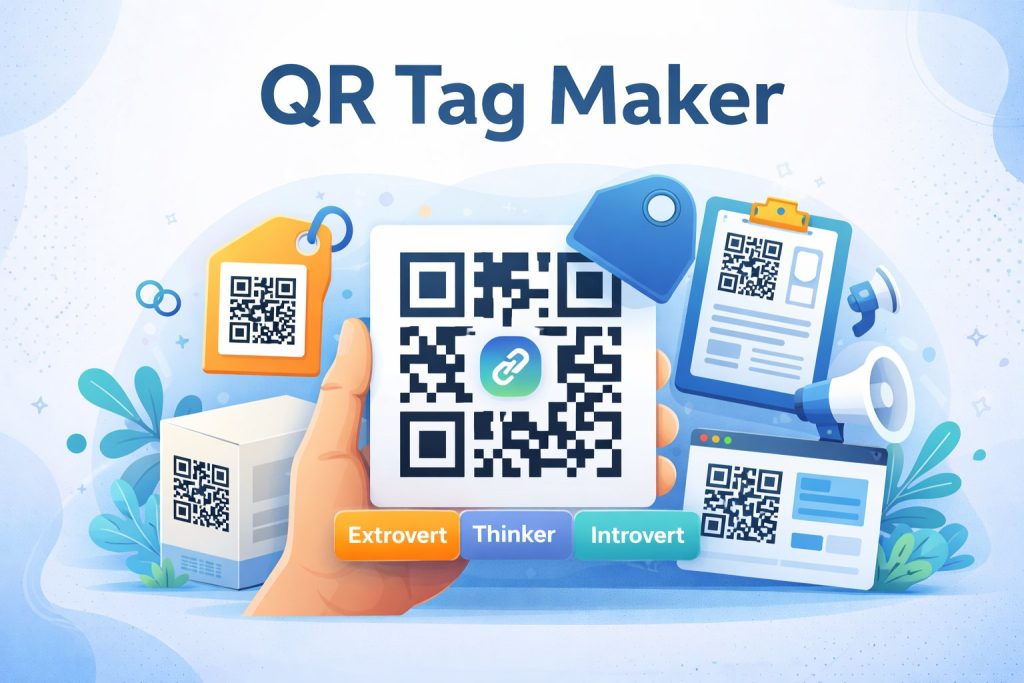
What Is a QR Tag Maker?
A QR tag maker is an online tool that converts text, URLs, contact details, or other data into a QR tag. Once generated, the QR tag can be scanned using a mobile device to instantly access the encoded information.
QR tags are commonly used on printed materials, packaging, menus, posters, and digital assets to reduce friction and improve user experience.
Why Use a Free QR Tag Maker?
Using a free qr tag maker is ideal if you want quick results without added costs. Benefits include:
No payment required for basic QR tag creation
Easy-to-use interface
Instant generation and download
Compatibility with most smartphone cameras
Free tools are especially useful for static QR tags that do not require editing after creation.
Static vs Dynamic QR Tags
Understanding the difference helps you choose the right type:
Static QR Tags
Information cannot be changed after creation
No tracking or analytics
Best for permanent content
Dynamic QR Tags
Content can be updated later
Supports scan tracking and analytics
Often limited in free plans
Features to Look for in a QR Tag Generator Online
When choosing a qr tag generator online, consider these features:
Customization options (colors, shapes, logos)
Multiple download formats (PNG, SVG, PDF)
Mobile-friendly previews
Fast generation and testing
Optional dynamic QR tag support
These features help ensure your QR tags look professional and scan reliably.
How to Create a QR Tag
Follow these steps to create a QR tag using any qr tag maker tool:
Select the type of content you want to encode
Enter the required information
Customize the design if available
Generate the QR tag
Download the file
Test the QR tag before publishing or printing
This process usually takes less than a minute.
Common Use Cases for QR Tags
QR tags are used across many industries, including:
Marketing campaigns and promotions
Restaurant menus and catalogs
Business cards and contact sharing
Event registration and check-ins
Product instructions and manuals
QR tags help bridge offline and online experiences seamlessly.
Frequently Asked Questions
Is a QR tag different from a QR code?
The terms are often used interchangeably. A QR tag is simply another way of referring to a QR code used for labeling or tagging purposes.
Do free QR tags expire?
Static QR tags do not expire. Dynamic QR tags may expire depending on the tool used.
Can QR tags be customized?
Many tools allow basic customization such as colors or shapes, even in free versions.
Which file format is best for printing QR tags?
SVG or PDF formats are best for high-quality printing, while PNG works well for digital use.
Conclusion
A qr tag maker is a simple and effective way to create QR tags for digital and printed use. By choosing the right tool and understanding key features like customization and tag types, you can generate QR tags that are reliable, professional, and easy to scan.
Get Started and Create Forms for Free?
 (1 votes, average: 5.00 out of 5)
 Loading...