Doctor Note Form: Template, Required Fields, and Best Practices (Work & School)
A doctor note form helps healthcare providers document a patient visit and, when appropriate, confirm that the patient may need time away from work or school. When structured clearly, it reduces back-and-forth questions, supports HR/school verification needs, and keeps medical documentation consistent.
This guide explains what to include in a doctor note form template, how to format it for different use cases (work, school, return-to-work), and best practices for creating a fillable, printable version.
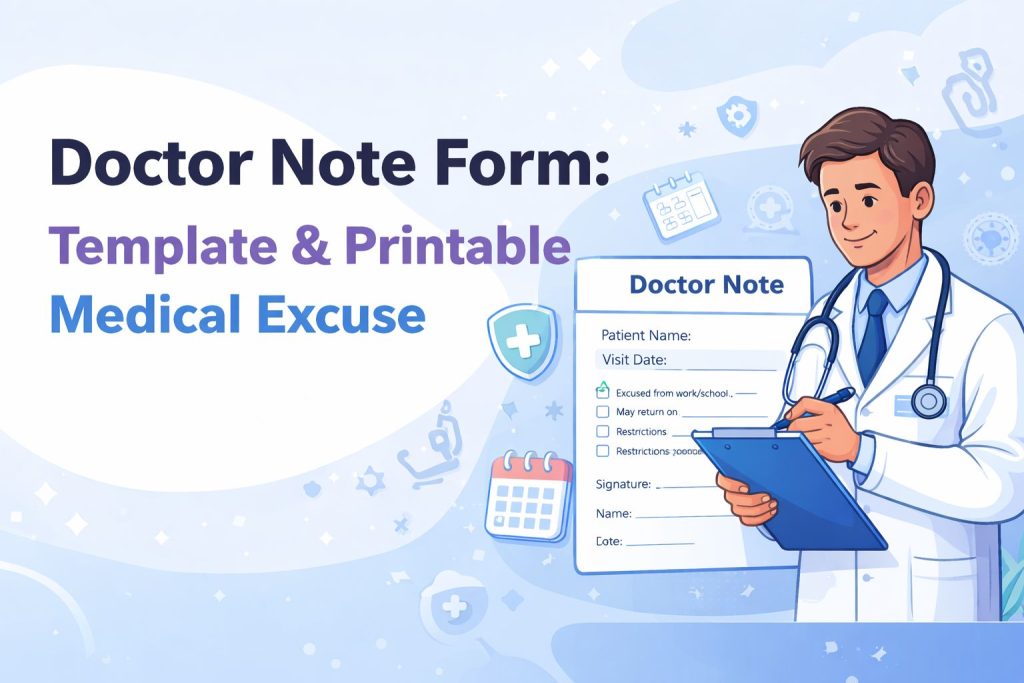
What is a Doctor Note Form?
A doctor note form (sometimes called a medical excuse note form) is a standardized document used by a clinic or provider to record key visit information and confirm attendance or medically recommended restrictions—without sharing unnecessary clinical details.
Common use cases
Work absence verification
School absence confirmation
Return-to-work clearance (with or without restrictions)
Fitness/PE limitation notes
Follow-up visit confirmation
Important: A doctor note should be issued only by an authorized healthcare professional and used for legitimate purposes.
Doctor Note Form Template: What Fields Should It Include?
A high-quality doctor note form template balances clarity with privacy. Include only what’s needed for the recipient (employer/school) to understand the recommendation.
1) Provider / Facility details
Clinic or provider name
Address and phone number
Provider license/registration number (optional, if relevant)
Clinic stamp (optional)
2) Patient details (minimum necessary)
Patient full name
Date of birth (optional; sometimes replaced with a patient ID for privacy)
3) Visit details
Date of appointment/visit
Time (optional)
Next follow-up date (optional)
4) Recommendation section (check boxes work best)
Include clear options like:
☐ Excused from work/school from [date] to [date]
☐ May return on [date]
☐ Return with restrictions (see below)
☐ Follow-up required
5) Work restrictions (for return-to-work notes)
☐ No heavy lifting (specify weight limit)
☐ Limited standing/walking
☐ Reduced hours / modified duties
☐ Work from home (if applicable)
Duration of restrictions
6) Signature & verification
Provider signature
Printed name
Date signed
Optional verification instructions (e.g., “Contact clinic during business hours”)
Types of Doctor Note Forms (choose the right version)
Doctor note form for work
Best when an employer needs absence dates or restrictions. Keep it brief, standardized, and easy to verify.
School absence doctor note form
Often requires only the student name + date(s) excused + return date. Avoid including diagnoses unless legally required and consented.
Return to work doctor note form
Most useful when you provide functional restrictions rather than medical details. Checkboxes + a short “restrictions” line increases acceptance and reduces disputes.
Printable doctor note template (PDF/Word)
Many users specifically search for printable formats. Offering a fillable web form that can export to PDF for printing can meet this intent while keeping data structured.
Keep it minimal and professional
Use a clean layout, consistent spacing, and short sentences. Avoid unnecessary clinical information.
Use checkboxes for speed and consistency
Checkbox options reduce errors and make the note easier for HR/schools to interpret.
Add a “minimum necessary” privacy mindset
Only include details required for the stated purpose. This helps protect patient privacy and reduces risk from oversharing.
Make it mobile-friendly
Many clinics complete forms on tablets or phones. Use large inputs, clear labels, and an easy signature flow if needed.
Provide easy output options
Offer:
Download as PDF
Print view
Email/share link (if your workflow supports it)
Doctor Note Form Example (Field Layout)
Provider Info
Clinic Name, Address, Phone
Patient Info
Full Name: ________ DOB (optional): ________
Visit Info
Date of Visit: ________ Follow-Up (optional): ________
Recommendation
☐ Excused from work/school from ___ to ___
☐ May return on ___
☐ Return with restrictions (details): _____________
☐ Follow-up required
Provider
Signature: ________ Name: ________ Date: ________
What is the difference between a doctor note and a medical certificate?
A doctor note often confirms attendance and recommendations (like rest or restrictions). A medical certificate may be more formal and used for insurance/employment policies depending on region and organization.
Can a doctor note form be used for work and school?
Yes—many templates can support both. The best practice is to provide separate versions or a toggle/checklist for “Work” vs “School” so the output matches the audience.
Should a doctor note include a diagnosis?
In most cases, no. For privacy, include only what’s necessary (dates, limitations, return date). Include medical details only when required and authorized.
If you want a doctor note form that’s fillable, consistent, and printable, create a reusable template that captures the right fields, produces a clean PDF, and keeps the process fast for staff and patients.
Get Started and Create Forms for Free?
 (1 votes, average: 5.00 out of 5)
 Loading...