Voice Forms That Let People Answer by Speaking
Typing long forms is frustrating—especially on mobile. FormBot Voice Forms let respondents speak naturally while your form captures clean, structured answers using speech-to-text.
Whether you’re collecting leads, customer feedback, employee pulse checks, or intake details, voice-enabled forms reduce drop-offs and help people share more complete, human responses.
What Are Voice Forms?
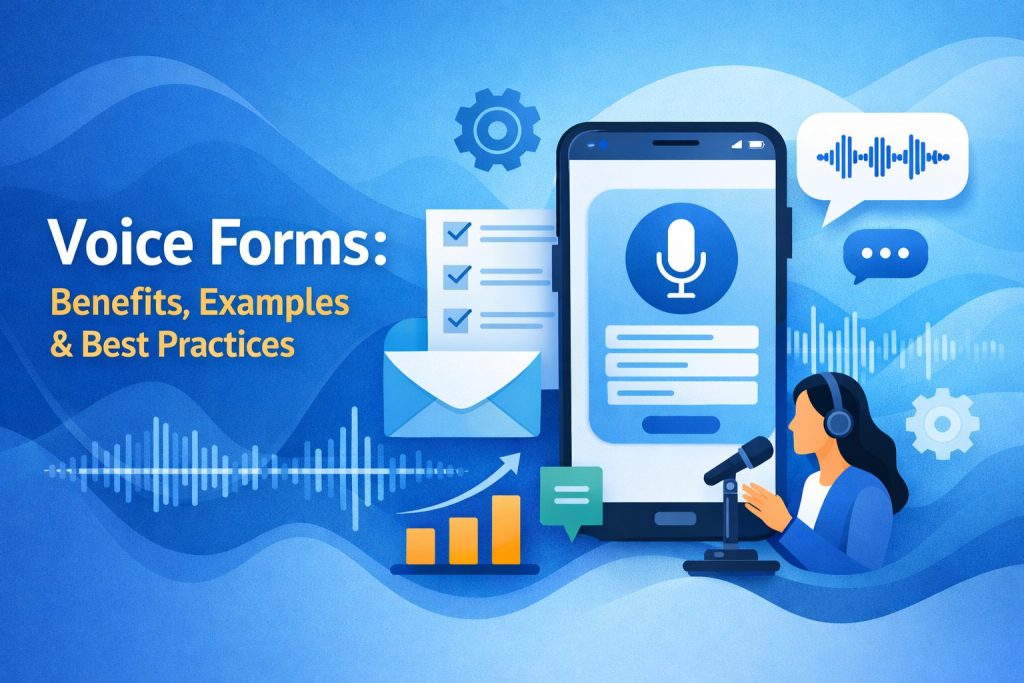
Voice forms are online forms that allow people to respond using their voice instead of (or alongside) typing. The spoken response is converted into text, mapped to the right fields, and saved like any standard submission—often with richer detail and better completion rates.
Voice forms are especially useful when:
the form is long or multi-step
users are on mobile
accessibility matters (hands-free / low-vision / motor challenges)
you want deeper feedback than short text replies
Why Voice Forms Convert Better
1) Faster, easier responses (especially on mobile)
People can speak 3–5x faster than they type. When the form feels effortless, you get more completed submissions.
2) Better accessibility
Voice input supports hands-free completion and lowers barriers for users who struggle with typing.
3) Higher-quality answers
Voice responses naturally include context—“why” and “what happened”—instead of one-word replies.
4) More human feedback at scale
For surveys and research, voice makes responses feel conversational while still producing structured data your team can act on.
How FormBot Voice Forms Work
Step 1: Build your form (no code)
Create your form in minutes using FormBot’s drag-and-drop builder and templates—then choose which questions should accept voice input.
Step 2: Publish and embed anywhere
Share a link or embed your voice form on any website or landing page using a simple embed snippet.
Step 3: Capture structured submissions
Respondents speak their answers, FormBot converts speech to text, and your team receives clean responses that are easy to review, export, and automate.
Key Features to Highlight on This Page
Voice-enabled fields: let users answer by speaking where it makes sense (long answers, descriptions, feedback).
Hybrid responses: allow voice + typing so users can choose what’s comfortable.
Conditional logic + smart flows: show/hide questions and route users based on answers.
Embed anywhere: publish on your site, blog, or campaigns.
Integrations: send submissions to your CRM/workflows so teams act fast.
Team collaboration: review, assign, and follow up without messy spreadsheets.
Secure by design: protect customer data with best-practice security controls.
Use Cases for Voice-Enabled Forms
Lead capture & qualification
Let prospects explain their needs in their own words—then route high-intent leads to sales.
Customer feedback & surveys
Collect richer insights than ratings alone by asking, “What made you choose us?” and letting users speak freely.
Employee pulse checks
Make internal surveys easier to complete and more candid—especially for frontline teams on mobile.
Patient/client intake
For sensitive or detailed intake, voice can reduce friction and capture more accurate context.
Best Practices for Designing Voice Forms
Keep questions short and specific
Use one idea per question
Offer a text fallback for noisy environments
Add examples like: “Tell us what happened in 1–2 sentences.”
Use logic to keep it under 2–3 minutes for most users
Place your biggest “voice” questions near the end, after easy wins (name/email)
What’s the difference between voice forms and conversational forms?
Voice forms focus on voice input (speech-to-text). Conversational forms focus on one-question-at-a-time flow. You can combine both for the lowest friction experience.
Can I embed FormBot voice forms on any website?
Yes—publish via link or embed code so the form works where your audience already is.
Do users need to install anything?
No. Respondents should be able to complete the form directly in the browser (on supported devices/browsers).
Are voice responses saved as text?
Yes—speech is converted into text so it’s searchable, exportable, and easy to route to your CRM.
Can I use voice only for certain questions?
Absolutely. Use voice for open-ended answers and keep simple questions as standard fields.
Build your first voice form in FormBot and turn long, frustrating forms into fast, human-friendly experiences.
Get Started and Create Forms for Free?
 (1 votes, average: 5.00 out of 5)
 Loading...