Scheduling Forms: The Smart Way to Manage Appointments and Time
Have you ever lost time going back and forth over emails just to fix a meeting slot? Missed appointments, double bookings, and manual follow-ups can quietly drain productivity. This is where scheduling forms make a real difference. By using scheduling forms, businesses and professionals can automate bookings, reduce errors, and create a smooth experience for everyone involved.
From internal meetings to client appointments, scheduling forms help teams stay organized while saving valuable time.
What Are Scheduling Forms and Why Are They Important?
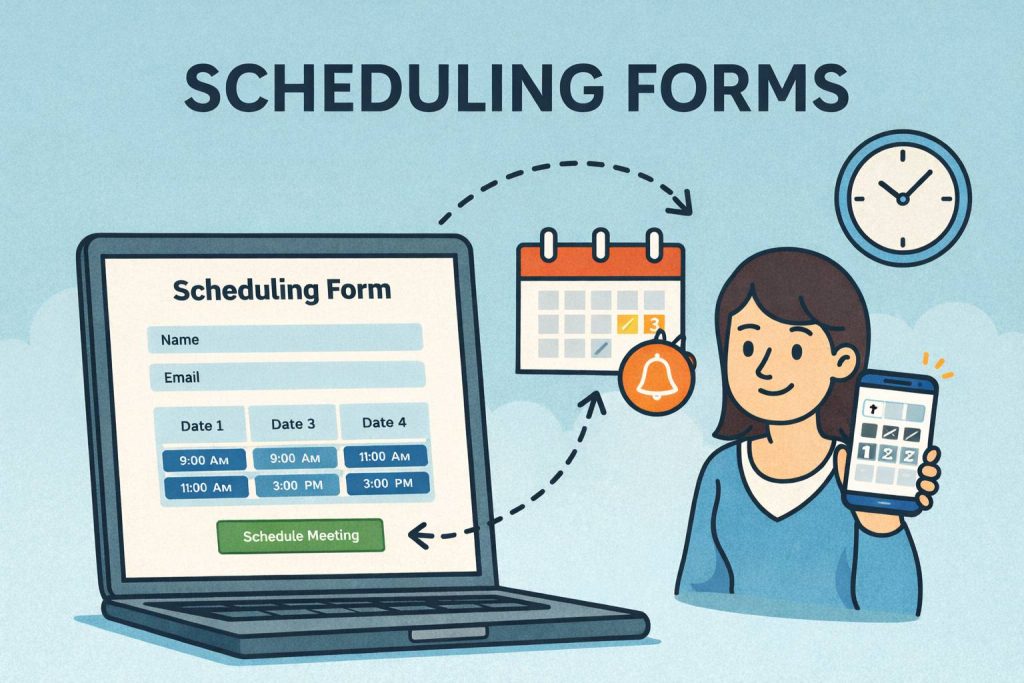
Scheduling forms are digital forms designed to collect availability, preferences, and booking details in one structured format. Instead of manual coordination, users simply fill out a form and select suitable time slots.
Many professionals now rely on online scheduling forms because they are easy to share, quick to complete, and accessible from anywhere. These forms work seamlessly with calendars and workflows, making scheduling more efficient and predictable.
Common use cases for scheduling forms
Client appointment booking
Interviews and HR screenings
Training and coaching sessions
Event registrations and sessions
Internal team meetings
When designed well, scheduling forms remove friction from time management.
Who Benefits Most from Scheduling Forms?
Scheduling forms are flexible tools that support a wide range of roles and industries.
Business Owners
Business owners use scheduling forms to manage client meetings, consultations, and service bookings without constant follow-ups.
Product Managers
Product managers rely on scheduling forms to organize stakeholder meetings, usability tests, and cross-functional reviews efficiently.
Educators & Course Creators
Educators use scheduling forms to book classes, mentorship sessions, and student consultations with ease.
Event Planners
Event planners use appointment scheduling forms to coordinate sessions, speakers, vendors, and attendees smoothly.
HR Professionals
HR teams depend on scheduling forms for interview scheduling, onboarding sessions, and employee training programs.
Key Benefits of Using Scheduling Forms
Switching to scheduling forms offers immediate and long-term advantages.
1. Saves Time
Scheduling forms eliminate back-and-forth communication, freeing up hours each week.
2. Reduces Errors
Automated time selection reduces double bookings and missed appointments.
3. Improves User Experience
Clear booking options make scheduling easier for clients, candidates, and teams.
4. Centralizes Information
All appointment details are stored in one place, making tracking and follow-ups simple.
5. Supports Global Scheduling
Online scheduling forms allow users in different time zones to book without confusion.
How Scheduling Forms Work
Understanding how scheduling forms function helps you use them more effectively.
Basic Workflow
Create a scheduling form with available time slots
Share the form link with users
Respondents select preferred dates and times
Data is collected and synced with calendars
This process ensures clarity while keeping scheduling flexible.
How to Create Effective Scheduling Forms
Creating effective scheduling forms requires thoughtful design.
Define Clear Availability
Only show time slots that are truly available to avoid conflicts.
Use Simple Language
Clear instructions help users complete the form quickly.
Limit Required Fields
Ask only for essential information such as name, email, and preferred time.
Add Confirmation Messages
A confirmation message reassures users that their booking was successful.
When you apply these steps, your scheduling forms become easy to use and reliable.
Best Practices for Appointment Scheduling Forms
Even small optimizations can greatly improve scheduling success.
Use dropdowns or calendars for date selection
Include time zone indicators
Enable automatic notifications
Keep the form mobile-friendly
Test the form before sharing
These best practices ensure scheduling forms work smoothly across devices and audiences.
Scheduling Forms vs Manual Scheduling
Manual scheduling often leads to confusion and delays. Scheduling forms simplify the process.
| Manual Scheduling | Scheduling Forms |
|---|---|
| Email back-and-forth | One-step booking |
| Human error | Automated accuracy |
| Time-consuming | Fast and efficient |
| Hard to track | Centralized records |
This shift allows teams to focus on meaningful work instead of coordination.
Common Mistakes to Avoid with Scheduling Forms
Avoid these mistakes to get the best results.
Overcomplicated Forms
Too many questions discourage completion.
Ignoring Time Zones
Lack of time zone clarity can lead to missed meetings.
No Follow-Up Notifications
Reminders help reduce no-shows.
Poor Mobile Design
Many users schedule on mobile devices—optimize accordingly.
Fixing these issues improves trust and attendance rates.
How Scheduling Forms Improve Productivity
When scheduling forms are integrated into daily workflows, productivity improves naturally. Teams spend less time coordinating and more time executing. Clients appreciate the convenience, and internal teams benefit from clarity and consistency.
Over time, scheduling forms help create a more organized, predictable work environment.
Frequently Asked Questions (FAQs)
1. What are scheduling forms used for?
Scheduling forms are used to book appointments, meetings, interviews, and sessions in an organized and automated way.
2. Are online scheduling forms suitable for global teams?
Yes. Online scheduling forms support time zone differences and global accessibility.
3. Can scheduling forms reduce missed appointments?
Yes. Automated confirmations and reminders significantly reduce no-shows.
4. Are scheduling forms secure?
Most reliable platforms use encryption and secure data storage to protect user information.
5. Do I need technical skills to create scheduling forms?
No. Most scheduling form builders offer simple, no-code interfaces.
Final Thoughts: Start Using Scheduling Forms Today
Scheduling forms transform how businesses and professionals manage time. They reduce friction, improve accuracy, and create better experiences for everyone involved. Whether you’re booking clients, managing interviews, or organizing events, scheduling forms are a powerful tool for efficiency.
👉 Ready to simplify your scheduling process?
Create smart scheduling forms today by signing up here:
https://platform.formbot.com/register/
Take control of your time—and let scheduling work for you, not against you.
Get Started and Create Forms for Free?
 (1 votes, average: 5.00 out of 5)
 Loading...