The Ultimate Guide to RSVP Forms for Smarter Event Management
Have you ever planned an event and found yourself overwhelmed trying to track who’s attending, who needs special accommodations, or who never responded at all? This is exactly why RSVP forms have become essential tools for modern event organizers. Whether you are a business owner, educator, HR professional, product manager, or event planner, using structured RSVP forms can transform the way you gather guest information in 2026 and beyond.
In this guide, you’ll learn what makes RSVP forms so powerful, how to design high-converting forms, and why every organization should use them for events of any size. By the end, you’ll know exactly how to streamline your event workflow using smarter, more interactive RSVP forms.
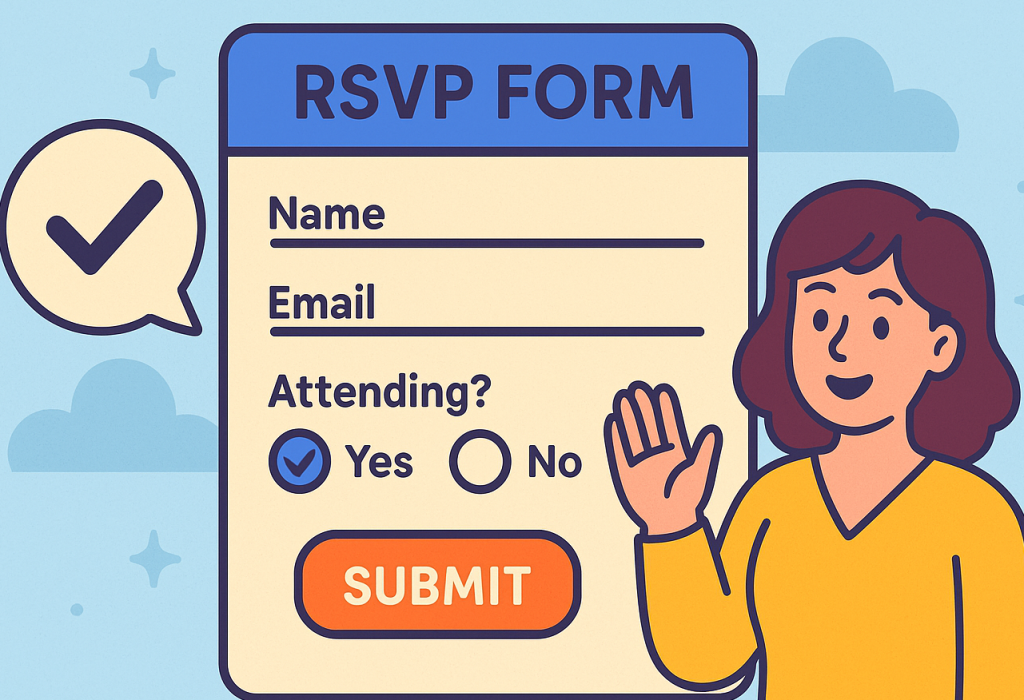
What Are RSVP Forms?
RSVP forms are digital or physical forms used to collect event attendance confirmations. They help organizers understand who plans to attend, their preferences, and any additional needs. Instead of tracking dozens or even hundreds of responses manually, RSVP forms organize the data in a clean, efficient format.
Today, most organizations rely on online RSVP forms because they offer convenience, automation, and real-time updates. They also help planners avoid mistakes and reduce unnecessary back-and-forth communication.
Why RSVP Forms Are Essential for Modern Events
RSVP forms aren’t just simple attendance trackers. They create clarity and structure for both organizers and guests. Below are the key advantages.
1. They Improve Event Logistics
Knowing expected attendance helps you plan:
Seating
Catering
Materials and supplies
Staff requirements
This prevents overspending or under-preparing.
2. They Boost Guest Engagement
RSVP forms give guests a quick and easy way to share:
attendance
preferences
dietary needs
special requests
This makes them feel valued and included.
3. They Eliminate Guesswork
Without RSVP forms, organizers spend hours chasing guests for answers. With automated reminders and instant submissions, data becomes easy to manage.
4. They Enhance Professionalism
A polished RSVP form improves the event experience—especially important for:
corporate events
product launches
training workshops
conferences
webinars
5. They Support Digital Workflows
Many businesses today prefer digital-first tools. RSVP forms integrate easily with:
email marketing tools
CRM systems
calendar apps
team collaboration platforms
Common Use Cases for RSVP Forms Across Industries
RSVP forms are versatile and can be used in countless scenarios. Here are some examples tailored to your target audiences.
1. Business Owners
Companies use RSVP forms for:
client appreciation events
networking sessions
product demos
corporate retreats
The structure provided helps businesses stay organized and professional.
2. Product Managers
Product teams rely on RSVP forms for:
beta testing sessions
launch events
UX research interviews
customer discovery meetings
They make it easier to schedule and follow-up with participants.
3. Educators & Course Creators
Schools and course creators use RSVP forms for:
workshops
parent-teacher meetings
online masterclasses
student orientation sessions
The forms help educators understand capacity and prepare materials.
4. HR Professionals
HR teams use RSVP forms to streamline:
employee training
team-building workshops
company parties
onboarding sessions
These forms help HR track who will attend and determine any special needs.
5. Event Planners
RSVP forms are the backbone of event planning, helping organizers manage:
weddings
parties
conferences
charity events
industry meetups
With proper attendance tracking tools, planning becomes far more efficient.
What Should Be Included in an RSVP Form?
A high-quality RSVP form should be easy to understand and quick to complete. Here are the essential components.
Basic Fields
Name
Email
Phone number
Event selection (if applicable)
Attendance confirmation (Yes/No/Maybe)
Additional Fields
Number of guests
Dietary restrictions
Accessibility needs
Preferred session or timeslot
Seating preference
Organizer-Focused Fields
Payment options (if required)
Agreement to event policies
Custom message or notes field
Types of RSVP Forms
Different events require different RSVP formats. Below are the most common types.
1. Simple RSVP Form
Great for quick confirmations. Often includes only essential fields:
Name
Email
Will you attend?
2. Detailed RSVP Form
Useful for large or formal events such as weddings and conferences. Includes:
multiple guests
meal choices
hotel or travel needs
activity selections
3. Corporate RSVP Form
Used for business events with specific requirements:
job title
company name
breakout session preferences
networking interests
4. Online Interactive RSVP Form
Built using digital tools, these allow:
progress indicators
conditional logic
mobile optimization
automation features
This approach increases completion rates.
How RSVP Forms Improve Event Efficiency
If you’re not using RSVP forms yet, here’s how they simplify your event planning process.
1. They Automate Guest Tracking
Instead of messy spreadsheets, RSVP forms automatically list attendees in one place.
2. They Reduce Admin Work
Auto-reminders reduce time spent following up manually.
3. They Improve Communication
Responses can trigger:
confirmation emails
calendar invites
reminders
4. They Provide Real-Time Insights
Organizers can see registrations as they happen.
Design Tips for High-Converting RSVP Forms
To get more people to respond, follow these best practices.
1. Keep It Short
Ask only what you need. Long forms discourage responses.
2. Use Clear Labels
Avoid confusing language. Use simple words.
3. Add Conditional Logic
Show only the questions relevant to each user.
4. Make It Mobile-Friendly
Most guests complete RSVP forms on their phones.
5. Highlight the CTA
Example:
“Reserve Your Spot Now”
6. Add Branding
Consistent branding boosts credibility.
Mistakes to Avoid When Creating RSVP Forms
Even experienced organizers can make these common mistakes.
1. Asking for Too Much Information
Keep forms simple, especially early in the process.
2. No Follow-Up Automation
Guests often forget unless reminded.
3. Poor Design
Crowded layouts decrease completion rates.
4. Lack of Clear Instructions
Tell guests exactly how to respond.
5. Missing Confirmation Messages
Guests should get instant confirmation of their RSVP submission.
How RSVP Forms Enhance Large-Scale Event Planning
For conferences, corporate events, and multi-day workshops, RSVP forms help:
anticipate attendance
plan venue capacity
organize team assignments
gather attendee interests
map out event schedules
This leads to smoother coordination and higher satisfaction.
Best Practices for Using RSVP Forms in 2026
As digital event planning evolves, here’s how to stay ahead:
Use cloud-based guest management systems
Provide QR code check-ins
Personalize RSVP confirmations
Segment guest responses for targeted communication
Integrate RSVP data with CRM tools
Comparing RSVP Forms to Traditional Invitations
| Feature | RSVP Forms | Traditional Paper RSVPs |
|---|---|---|
| Speed | Instant | Slow |
| Accuracy | High | Mixed |
| Automation | Yes | No |
| Cost | Low | Higher (postage & printing) |
| Data Collection | Easy | Manual |
Simple Steps to Create Your Own RSVP Form
Here’s a beginner-friendly process:
1: Choose a Form Builder
Look for one with drag-and-drop features and automation options.
2: Add Required Fields
Include basic and event-specific details.
3: Customize Branding
Upload your logo and adjust colors and fonts.
4: Enable Notifications
Send reminders and confirmations automatically.
5: Publish and Share
Share via email, social media, QR code, or your website.
6: Track Responses in Real Time
Use analytics to adjust planning.
Top Industries That Benefit from RSVP Forms
Corporate Events
Better headcount planning and session organization.
Education & Training
Easier class registration and attendance tracking.
HR & Internal Teams
Smooth onboarding and workshop scheduling.
Event Management Firms
Simplified guest handling and reduced paperwork.
Course Creators
Track enrollments for live classes and webinars.
FAQ: RSVP Forms
1. What does RSVP mean?
RSVP stands for Répondez s’il vous plaît, meaning “please respond.” It requests confirmation of attendance.
2. Are online RSVP forms better than paper invitations?
Yes, because online forms are faster, more accurate, easier to track, and more cost-effective.
3. What should an RSVP form include?
It should include guest name, contact info, attendance response, and any event-specific fields.
4. Can RSVP forms handle plus-ones or multiple guests?
Absolutely. Most online RSVP builders allow multiple guest entries and custom logic.
5. Do RSVP forms work for both small and large events?
Yes. They scale well and improve organization for any event size.
Conclusion
Whether you’re planning a corporate event, teaching a masterclass, hosting a product launch, or managing employee events, RSVP forms simplify the process from start to finish. They save time, reduce stress, and improve communication—making them an essential tool for modern event management in 2026 and beyond.
Ready to create your own powerful event RSVP form?
👉 Start building your RSVPs today:
https://platform.formbot.com/register/
Get Started and Create Forms for Free?
 (1 votes, average: 5.00 out of 5)
 Loading...