Lighthouse Job Application Form: The Complete 2026 Guide for Smart Hiring
Are you struggling to collect clean, structured job applications? Or tired of manual submissions that slow down hiring? A Lighthouse Job Application Form can completely transform the way you attract, filter, and evaluate candidates—especially if you’re a Business Owner, Product Manager, Educator, HR Professional, or Event Planner managing teams.
In this guide, you’ll learn everything about building a powerful Lighthouse Job Application Form in 2026, optimizing it for high-quality applicants, and streamlining your entire recruitment workflow.
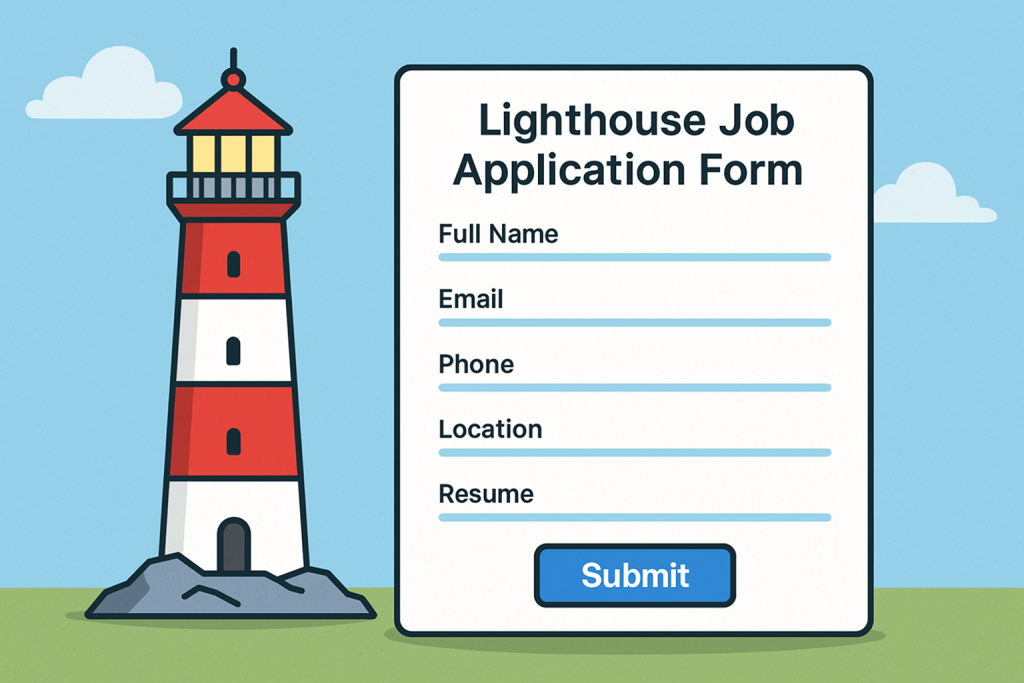
What Is a Lighthouse Job Application Form?
A Lighthouse Job Application Form is a structured online form designed to collect important information from prospective job applicants. Think of it as a modern, automated alternative to traditional email-based applications.
These forms are used globally by growing businesses, HR teams, educational institutions, and organizations that value:
Faster hiring
Cleaner data
Better applicant tracking
A professional candidate experience
Because Lighthouse-style forms are customizable, easy to deploy, and optimized for all devices, they help hiring teams stay efficient while building strong employer branding.
Why Your Organization Needs a Lighthouse Job Application Form in 2026
In 2026, recruitment is more competitive than ever. Candidates expect a smooth, mobile-friendly application experience, while companies expect automated workflows and reliable screening tools. A Lighthouse Job Application Form provides all of this in one place.
Here are the key reasons why you need one:
1. Streamlined Data Collection
No more messy inboxes or disorganized resumes. All applicant details are stored in a structured format, making evaluation faster.
2. Reduced Hiring Time
Automated notifications, applicant tagging, and integrated evaluation fields help hiring teams save hours per role.
3. Better Candidate Experience
A clean, intuitive Lighthouse-inspired form ensures applicants finish their submissions rather than abandoning them halfway.
4. Enhanced Accuracy & Consistency
Standardized responses eliminate guesswork, helping HR professionals compare candidates fairly.
5. Multi-device Compatibility
Whether candidates apply using a desktop, tablet, or mobile device, Lighthouse forms deliver a seamless experience.
Key Features to Include in a High-Performing Lighthouse Job Application Form
To make your form effective, include the following must-have elements:
1. Basic Information Fields
Full name
Email address
Phone number
Location
2. Professional Background
Resume upload
LinkedIn profile
Relevant past experience
Portfolio URL
3. Skills & Competency Assessment
Include fields such as:
Technical skills rating
Soft skills self-assessment
Certifications
4. Job-specific Questions
These help filter high-quality candidates quickly:
Why are you applying for this position?
Describe your biggest achievement.
What tools or platforms do you use daily?
5. Availability & Salary Expectations
These practical details help HR teams avoid extended back-and-forth communication.
6. Consent & Compliance
A legally compliant Lighthouse Job Application Form should include:
Data consent checkbox
Equal opportunity statement
Agreement to terms
How to Create a Lighthouse Job Application Form (Step-by-Step)
You don’t need coding skills to build an effective form. Follow this simple roadmap:
Step 1: Identify Required Information
Before creating your form, list all the data you need from applicants. Keep it concise—shorter forms get more submissions.
Step 2: Choose the Right Form Builder
A platform like FormBot makes it easy to build, customize, and embed a Lighthouse Job Application Form.
It allows you to:
Drag and drop form fields
Add conditional logic
Create branded designs
Automate email responses
Track submissions in a dashboard
Step 3: Add Professional Branding
Use your logo, brand colors, and fonts to create trust and reinforce professionalism.
Step 4: Add Smart Conditional Logic
Smart forms show fields based on user selections.
Example: Only show “portfolio link” for creative roles.
Step 5: Optimize for Mobile
Over 65% of global applicants apply using mobile devices in 2026.
Step 6: Test the Form Before Publishing
Submit a test application to check:
Clarity
Load speed
File upload functionality
Error messages
Step 7: Publish & Share
You can share the link on:
Your website career page
Email newsletters
Social media
Job boards
Best Practices to Optimize Your Lighthouse Job Application Form for High-Quality Applicants
To make your job application form stand out, follow these best practices:
1. Keep It Short and Simple
Long forms reduce completion rates. Aim for 10–15 fields max.
2. Use Clear and Simple Language
Avoid jargon or technical terms unless the job requires it.
3. Add Progress Indicators
Applicants should know how many steps remain.
4. Highlight Required Fields Only
Optional fields create flexibility and reduce friction.
5. Use Conditional Logic to Personalize the Form
Remove irrelevant fields to improve the user experience.
6. Enable File Uploads in Multiple Formats
PDF, DOCX, JPG, PNG are standard.
7. Improve Accessibility
Ensure your Lighthouse Job Application Form supports:
Screen readers
High contrast mode
Keyboard navigation
Examples of Roles That Benefit from a Lighthouse Job Application Form
For Business Owners
Collect structured applications for roles like admin assistants, marketers, sales staff, or operations managers.
For Product Managers
Capture candidate skills, project experience, and problem-solving style.
For Educators & Course Creators
Accept instructor applications, teaching assistant submissions, or enrollment staff applications.
For Event Planners
Manage temporary hires or volunteer applications for large events.
For HR Professionals
Create job-specific forms for all open positions while maintaining consistency.
Top Benefits of Using an Online Lighthouse Job Application Form in 2026
1. Automation Saves Time
Trigger automated responses to acknowledge applications instantly.
2. Centralized Data & Smart Filtering
Sort candidates by skills, qualifications, or experience easily.
3. Professional Presentation
Candidates perceive your organization as modern and organized.
4. Error-Free Submissions
Form validation prevents missing fields or incorrect formats.
5. Real-Time Notifications
Know instantly when a new application arrives.
Common Mistakes to Avoid When Creating Your Form
Asking too many personal questions
Not optimizing forms for mobile devices
Missing required compliance checkboxes
Using overly complex UX
Forgetting to test the form before launch
Avoiding these issues ensures a smoother process for both applicants and hiring teams.
Conclusion: Upgrade Your Hiring Strategy with a Lighthouse Job Application Form
A Lighthouse Job Application Form is more than just a digital form—it’s a strategic tool for improving your hiring workflow, enhancing applicant experience, and ensuring consistent, high-quality submissions.
Whether you’re a global business owner, HR leader, or educator, this approach can streamline your recruitment in 2026 and beyond.
👉 Ready to create your own Lighthouse-style job application form?
Start building free here: https://platform.formbot.com/register/
FAQs About Lighthouse Job Application Forms
1. What is the purpose of a Lighthouse Job Application Form?
It’s designed to collect structured job applicant data efficiently, helping organizations improve hiring speed and accuracy.
2. Can I customize the form based on different job roles?
Yes. A Lighthouse-style form is fully customizable, allowing you to tailor fields for various job positions.
3. Is it mobile-friendly?
Absolutely. These forms are built to work across all devices globally, ensuring a smooth candidate experience.
4. Can I integrate it with my HR tools?
Yes, most form builders allow integrations with ATS systems, email tools, Google Sheets, and more.
5. Do I need coding skills to create a Lighthouse Job Application Form?
No. Modern form builders use drag-and-drop interfaces, making them accessible for non-technical users.
Get Started and Create Forms for Free?
 (1 votes, average: 5.00 out of 5)
 Loading...