Pixel Form Builder: The Complete 2026 Guide for Businesses & Professionals
Have you ever struggled to collect data efficiently or wished your forms could generate better conversions? Many businesses face this challenge daily. This is why tools like the Pixel Form Builder have become essential in 2026 for business owners, HR teams, educators, product managers, and event planners. A form builder not only improves how you collect information but also upgrades your entire workflow.
In this comprehensive guide, we’ll explore everything you need to know about Pixel Form Builder—how it works, why it matters, the features you need, and how it compares to modern alternatives like FormBot. Whether you’re creating surveys, event registration pages, HR onboarding forms, or customer feedback workflows, this guide will show you how to simplify and optimize your data collection process.
What Is Pixel Form Builder?
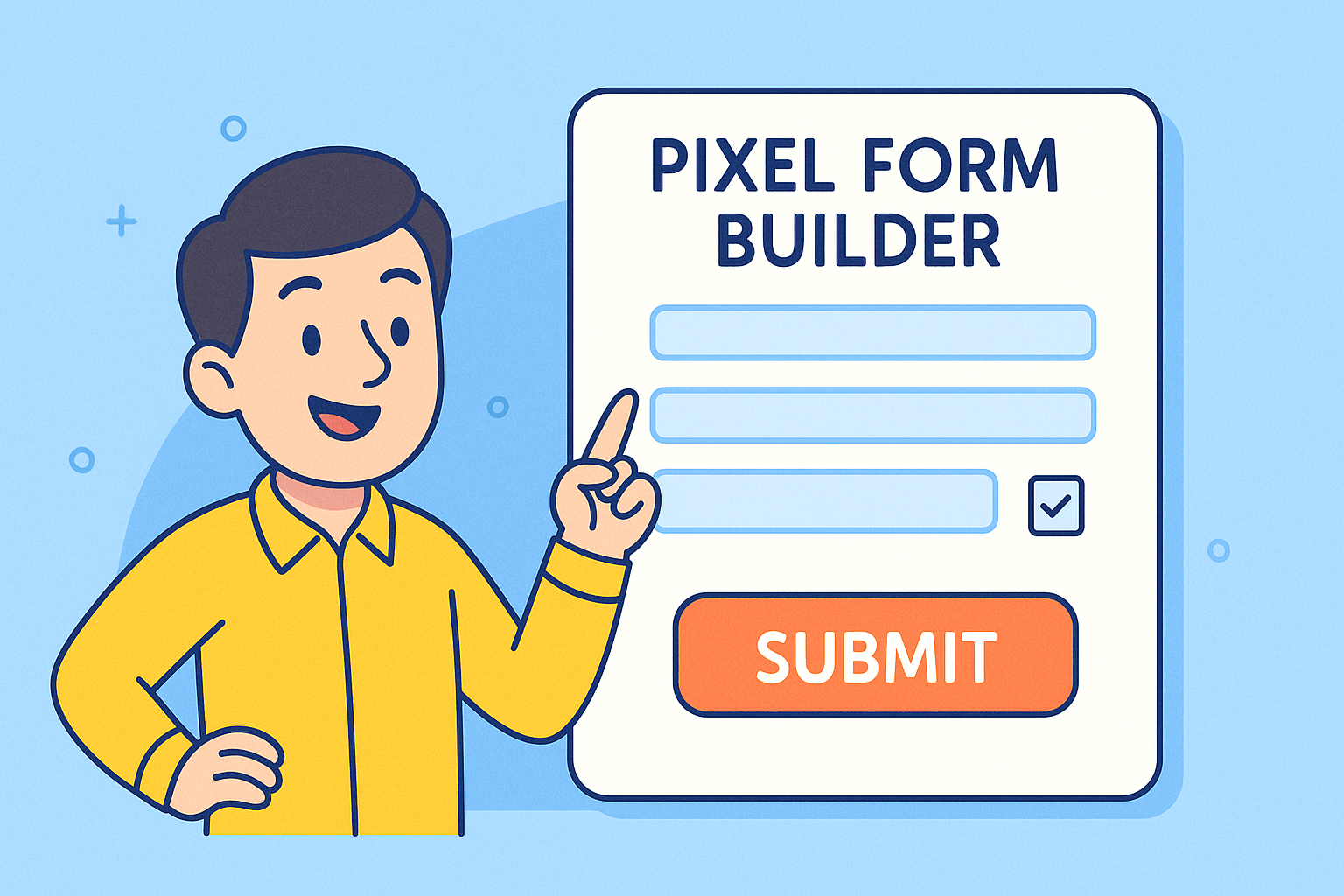
Pixel Form Builder is a digital tool designed to help users create forms, surveys, and data collection pages without writing code. These platforms have become vital in 2026 because businesses now rely on automation and real-time data more than ever. A good form builder allows you to design responsive forms, integrate with workflows, automate tasks, and improve user experience.
Who Benefits Most from Pixel Form Builder?
Business Owners collecting customer insights
Product Managers validating features
Educators & Course Creators managing student enrollment
Event Planners handling registrations and ticketing
HR Professionals creating onboarding and feedback forms
Pixel Form Builder tools provide simplicity while offering powerful customization—making them essential for any data-driven business.
Why Pixel Form Builder Tools Are Critical in 2026
Forms are no longer just “boxes to fill.” They’re part of:
Customer journeys
Lead generation funnels
Internal workflows
HR processes
Event management
E-learning platforms
And because organizations now operate globally, form builders must support automation, compliance, multilingual content, security, and advanced analytics.
Below are a few reasons these tools matter:
✔ Faster and Smarter Data Collection
Modern form builders automate responses, route data to specific teams, and integrate with platforms like Slack, CRMs, and project management tools.
✔ Improved User Experience
A well-designed form increases conversions and reduces drop-offs.
✔ Cross-Device Compatibility
Responsive form designs ensure accessibility across mobile, tablet, and desktop.
✔ Secure Data Handling
In 2026, data privacy laws require strong encryption and storage protections.
✔ Simplified Customization
Drag-and-drop builders make it easy for non-technical users to create professional forms.
Key Features to Look for in a Pixel Form Builder
Before selecting a tool, consider the essential features below. These are crucial for productivity, user experience, and security.
1. Drag-and-Drop Interface
A simple visual editor makes it easy to build forms in minutes without technical skills. This saves time and allows teams to adjust form designs instantly.
2. Conditional Logic
Great form builders support conditional logic, meaning:
Questions appear based on user answers
Users avoid unnecessary fields
Forms feel more personalized
This improves completion rates and overall engagement.
3. Workflow Automation
Pixel Form Builder tools should integrate with:
CRM platforms
Email marketing systems
HR software
Payment gateways
Project management tools
Automation reduces manual work and speeds up responses.
4. Custom Branding & Pixel-Perfect Design
Brand consistency matters. Ensure your form builder supports:
Custom themes
Colors
Fonts
White-labeling
Logo placement
This helps maintain a professional look across all forms.
5. Payment Integration
Essential for:
Event ticket sales
Course registration
Donations
Subscription workflows
Pixel Form Builder tools should support Stripe, PayPal, and other global platforms.
6. Real-Time Analytics
Analytics help you track:
Form performance
Drop-off rates
Conversion data
User behavior
This information improves future campaigns.
7. Strong Security & Compliance
In 2026, data risks are higher than ever. Ensure your form builder supports:
Encryption
SOC 2, GDPR, or HIPAA compliance
Secure access controls
Automatic backups
Your users should trust their information is protected.
Best Use Cases of Pixel Form Builder for Your Industry
Below are specific examples of how various professionals can leverage these tools.
For Business Owners
Customer feedback forms
Lead capture forms
Product satisfaction surveys
These help businesses understand customer needs and improve offerings.
For Product Managers
User testing surveys
Feature request forms
Bug reporting pages
Pixel Form Builder tools help gather product insights faster.
For Educators & Course Creators
Enrollment forms
Quiz forms
Student onboarding forms
These streamline the learning experience.
For Event Planners
RSVP pages
Ticket payment forms
Vendor registration
These help you manage large events with ease.
For HR Professionals
Employee onboarding
Performance reviews
Leave request forms
This digitizes HR paperwork and enhances efficiency.
Pixel Form Builder vs. Modern Alternatives (2026 Update)
As businesses evolve, newer platforms offer more features than traditional Pixel Form Builder tools. One such example is FormBot, which many organizations now prefer.
| Feature | Pixel Form Builder | FormBot |
|---|---|---|
| Drag-and-drop builder | Yes | Yes |
| Automation | Limited | Advanced |
| Security | Basic | Enterprise-level |
| Payment integration | Yes | Yes |
| Templates | Some | Hundreds |
| AI-powered features | No | Yes |
| Collaboration tools | Basic | Multi-team support |
| Multi-language support | Limited | Full global support |
Many professionals upgrade because FormBot offers stronger automation, collaboration, and compliance—ideal for global users in 2026.
How to Choose the Best Pixel Form Builder for Your Needs
To make the right decision, follow these steps:
1. Identify Your Use Case
What do you need forms for?
Surveys
Event signups
Lead generation
HR onboarding
2. Compare Integrations
Check whether the tool connects with:
Google Sheets
CRMs
Slack
Marketing platforms
3. Check Security Standards
Especially important for HR and medical forms.
4. Test Responsiveness
Your forms must work flawlessly on all screens.
5. Evaluate Pricing
Choose a tool that scales with your growth.
Benefits of Using Pixel Form Builder Tools for Global Teams
As businesses expand internationally, global compatibility matters. Using modern form builders offers:
Multi-language support
Time-zone adjusted workflows
Global payment options
Inclusive accessibility features
Scalable data storage
These features ensure friction-free form completion for users around the world.
Common Mistakes to Avoid When Using Pixel Form Builder Tools
Making forms too longUsers drop off quickly.
Not testing mobile versionsMost users access forms on their phones.
Ignoring analyticsData reveals how to improve form design.
Forgetting brand alignmentYour form should match your website and messaging.
Skipping automationManual data processing leads to errors.
How Pixel Form Builder Enhances Conversions
The right form builder can dramatically increase sign-ups, registrations, and engagement.
Here’s how:
Smart field placement improves usability
Conditional logic reduces user fatigue
Faster load speeds improve completion rates
Clean designs create trust
Mobile-optimized forms boost accessibility
Small improvements lead to significant gains over time.
Pixel Form Builder Tips for High-Converting Forms
✔ Use clear and short labels
✔ Group related fields together
✔ Add progress bars for longer forms
✔ Use conditional logic
✔ Keep required fields to a minimum
✔ Test multiple versions (A/B testing)
Following these steps helps your forms perform better instantly.
Frequently Asked Questions (FAQ)
1. What is Pixel Form Builder used for?
It’s used to create customizable online forms for surveys, events, registrations, HR workflows, and more.
2. Do I need coding skills to use a form builder?
No. Pixel Form Builder tools are designed for beginners through drag-and-drop functionality.
3. Can I accept payments through these tools?
Yes. Most pixel form builders integrate with global payment platforms.
4. Are form builders secure?
Top providers offer encryption and compliance features like GDPR or HIPAA support.
5. What is the best alternative to Pixel Form Builder?
FormBot is a top choice due to its automation, templates, flexibility, and enterprise-grade security.
Conclusion: Transform the Way You Collect Data in 2026
Pixel Form Builder tools help you simplify data collection, improve workflows, and boost user engagement across global audiences. Whether you’re a business owner, HR professional, educator, or event planner, forms are a vital part of your digital ecosystem. To unlock the most advanced features, automation, and design freedom, modern solutions like FormBot offer everything you need to streamline work and scale confidently.
👉 Start building smart, high-converting forms today — Create your free account: https://platform.formbot.com/register/
Get Started and Create Forms for Free?
 (1 votes, average: 5.00 out of 5)
 Loading...